
Create and send a service agreement
Send a service agreement and your client signs by typing their legal name on a branded page. No printing, no scanning, no third-party e-sign subscription.
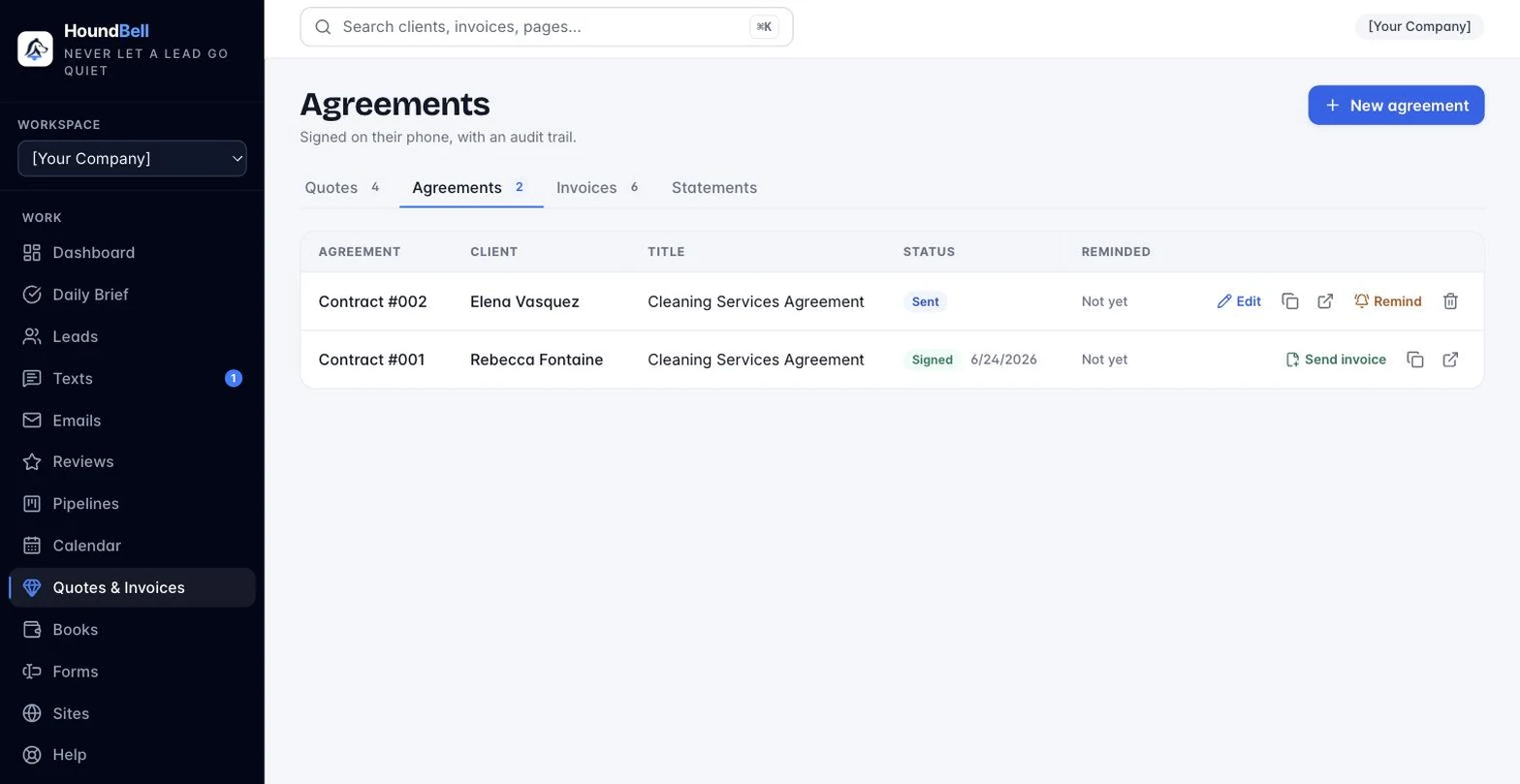
- Open Quotes & Invoices → Contracts and press + New agreement. (You can also press Send contract on any quote.)
- Pick a template for your trade: marketing, cleaning, plumbing and trades, lawn care, or general home services. Highlighted placeholders show exactly what to fill in, and a guard asks before you send an unfinished template.
- Build the agreement: clause cards you drag to reorder, a quick-add library of nine standard clauses, and itemized services with pricing. The parties line writes itself, and a live preview shows exactly what your client will see.
- Press Send. The agreement moves to Sent, and to Signed the moment your client signs.
A Remind button nudges an unsigned agreement, and Duplicate reuses a contract that works, for the same client or a different one, in two clicks.
Still stuck?
Email us and a person will answer. Include your workspace name, and the quote or invoice number if it is about one.
Email support@houndbell.com