
Your logo, color, and payment instructions
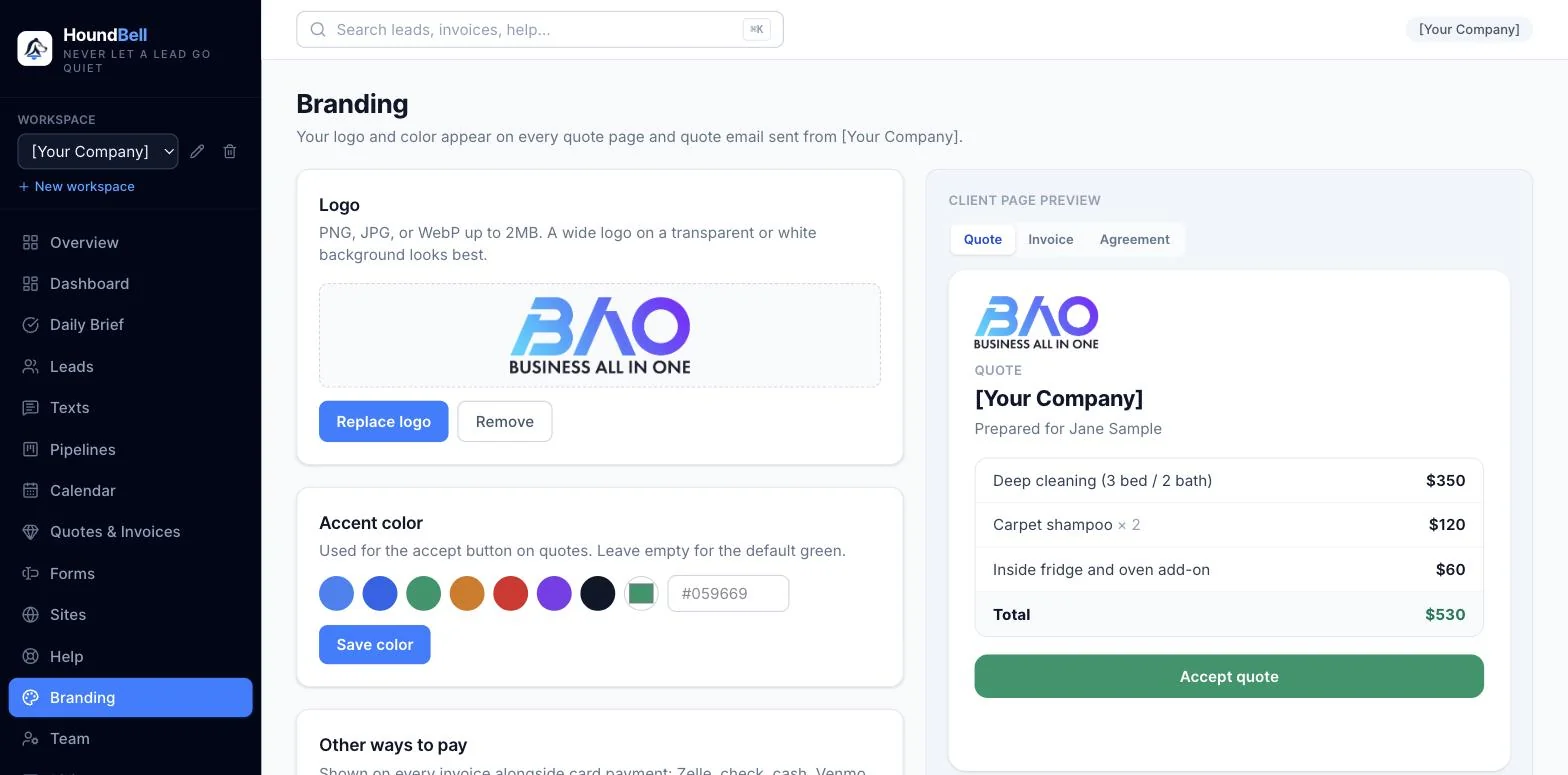
Everything on the Branding page shows up where your clients look: quote pages, invoice pages, statements, and the emails that deliver them.
- Logo: upload a PNG, JPG, WebP, or SVG up to 2MB. A wide logo on a transparent or white background looks best. Replace or remove it anytime; changes apply everywhere immediately.
- Accent color: the color of the accept and pay buttons your clients click. Pick a preset, use the color wheel, or paste your exact brand hex code, then Save color. The live preview on the right shows exactly what a client’s quote page will look like.
- Payment instructions: your default “how to pay” text for invoices (for example “Zelle to (555) 123-4567, check payable to Your Business LLC”). Set it once here; every new invoice starts with it, and you can still edit it per invoice.
- Google review link: paste yours once (find it in your Google Business Profile under “Ask for reviews”) and winning a deal offers a thank-you email with a Leave Us a Review button. Tick the box and review requests also go out automatically a couple of hours after a paid invoice or finished booking.
- Instant reply to new requests: on for every account from day one. The moment someone submits your website form or booking page, they get a branded email with what they asked for, their own message quoted back, and a promise to connect within 24 hours. Replies go straight to your inbox. Turn it off here if you’d rather reach out personally first.
- Booking hours: the time window visitors can pick on your booking forms, your days of operation, a buffer between bookings, and your time zone. Your hours, booking slots, and the hour-before reminders all run on this clock.
- Get paid online: the Stripe connection for card payments (see Connect Stripe and get paid by card).
Branding is per workspace, so an agency managing several businesses gives each client their own look.
Still stuck?
Email us and a person will answer. Include your workspace name, and the quote or invoice number if it is about one.
Email support@houndbell.com