
Build a customer statement
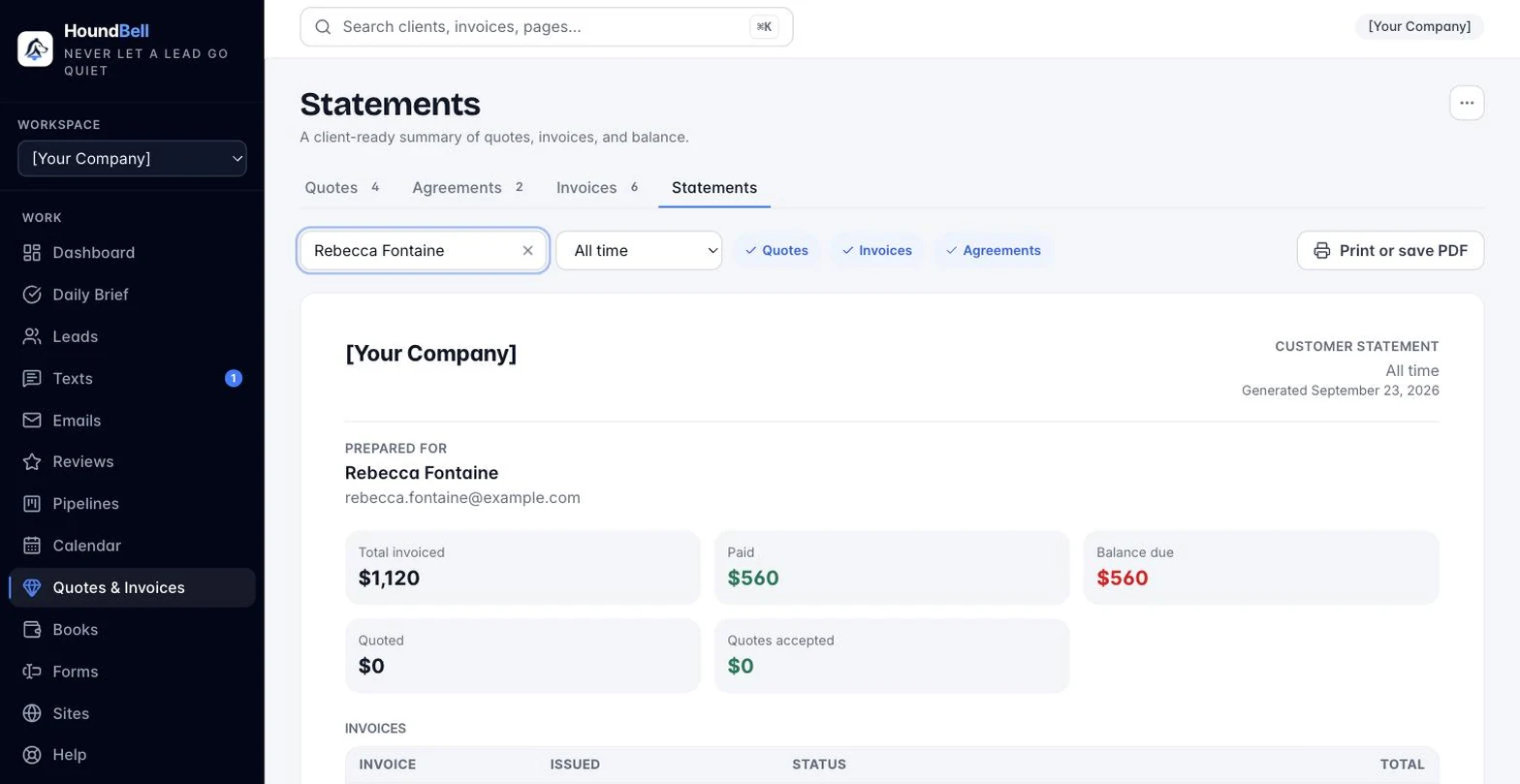
When a client asks “what do I owe you?” or wants a summary for their records, build a statement in seconds:
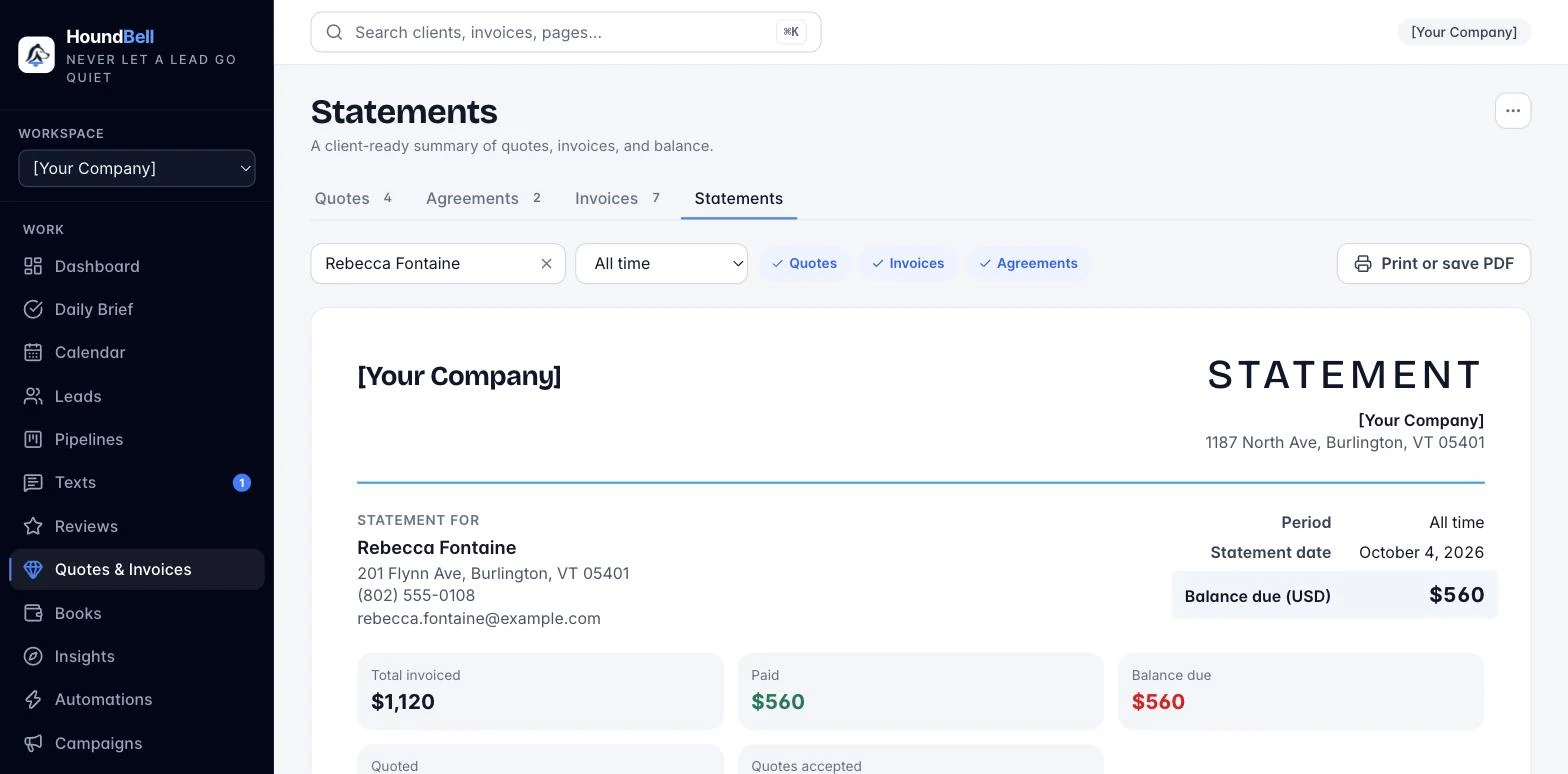
- Open Quotes & Invoices and click the Statements tab.
- Search for the client.
- Pick a period (last 30, 60, or 90 days, This quarter, Year to date, All time, or a custom range).
- Toggle what to include: Quotes, Invoices, and Contracts, in any combination.
The statement renders instantly with your logo and business name: totals for invoiced, paid, and balance due (plus quoted and accepted totals when quotes are included), followed by an itemized list of every invoice, quote, and signed agreement in the period with dates and statuses. If there is a balance due, your payment instructions print at the bottom.
Click Print / Save PDF to print it or save it as a PDF to email, or Export CSV for a spreadsheet. Tip: the lead card’s “View all” links jump straight to that client’s statement.
Still stuck?
Email us and a person will answer. Include your workspace name, and the quote or invoice number if it is about one.
Email support@houndbell.com