
Set up your receptionist in five minutes
Where: Settings, AI Receptionist card.
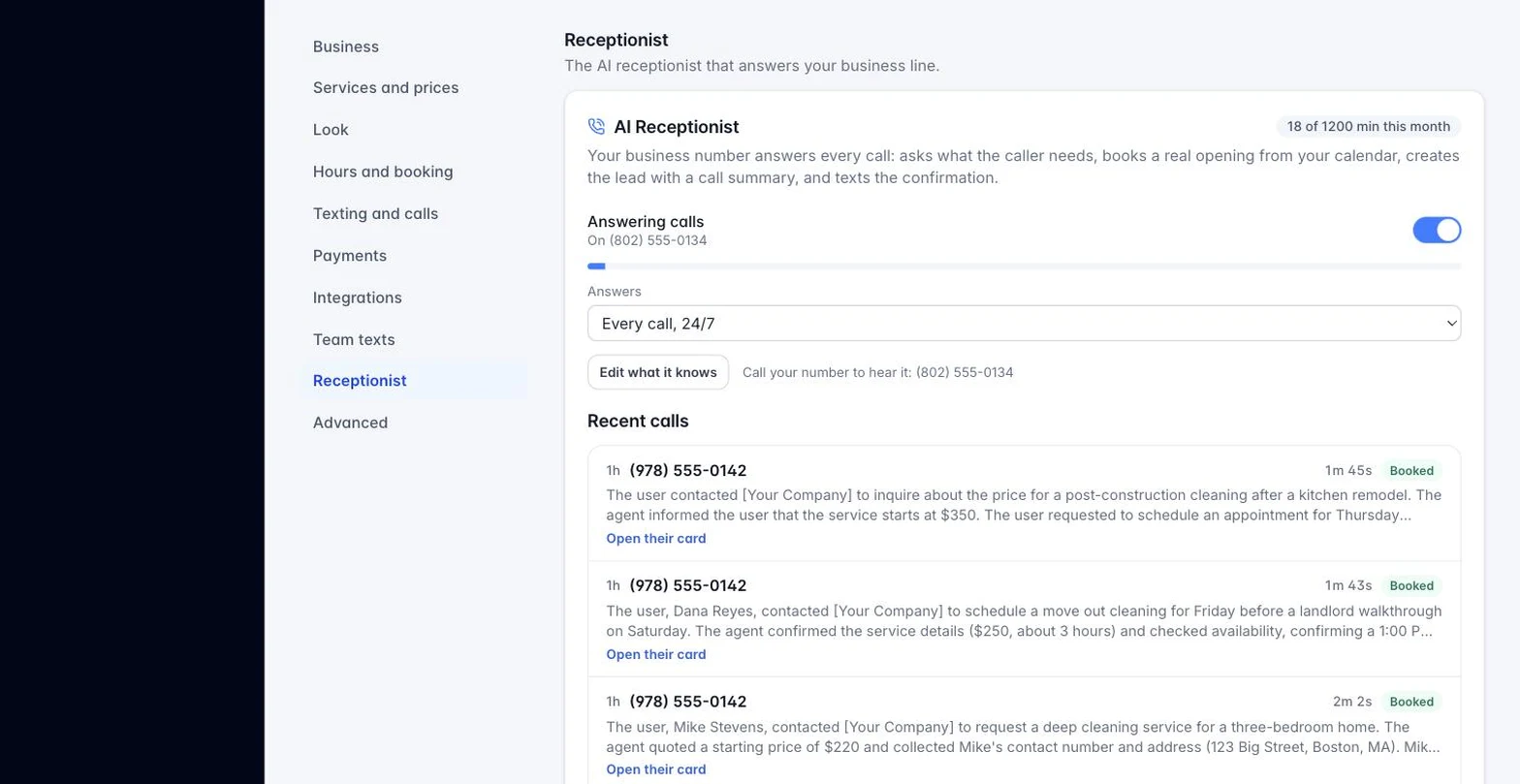
The AI Receptionist answers your business’s texting number so a call never goes unanswered. Setting it up is a short wizard, not a technical project.
- Click Set up my receptionist.
- About: a sentence or two about the business, and your service area.
- Services: add the services you offer and a short pricing note (for example, “pricing depends on the job; the owner confirms after a look“).
- Questions: add the questions callers usually ask and how the receptionist should answer.
- How it answers: pick a greeting style (warm, professional, or brief) with a live preview, choose whether it can take messages, book appointments, and whether it answers every call or only the ones you miss.
- Review your answers and click Request my receptionist.
You will see a status timeline: Requested, Being set up, Live. Building and testing your receptionist is done by hand on HoundBell’s side, so it is usually live within one business day, and you get an email the moment it is. Once it is live, call your own business number any time to hear exactly what your callers hear.
Still stuck?
Email us and a person will answer. Include your workspace name, and the quote or invoice number if it is about one.
Email support@houndbell.com