
Remind a client about a quote
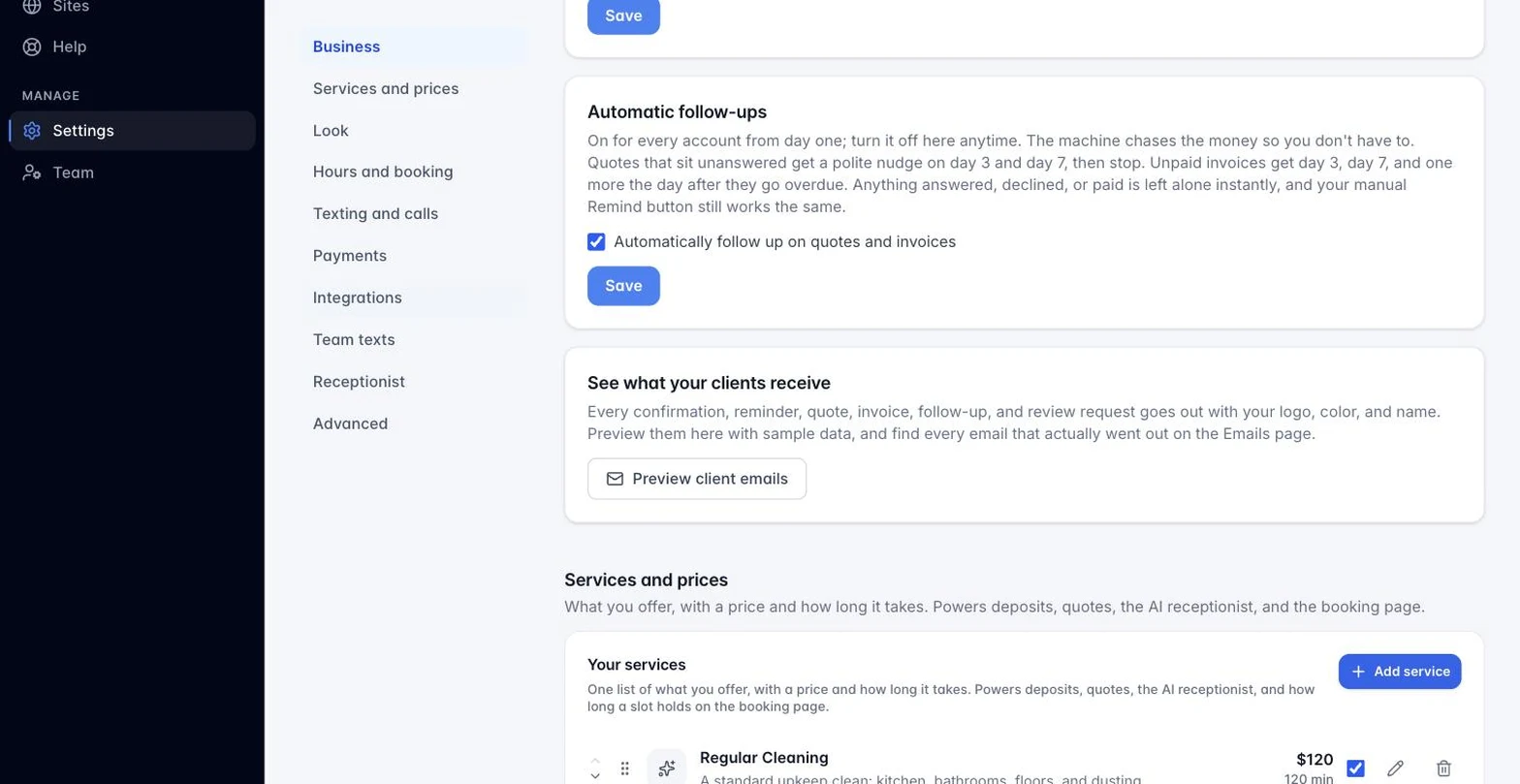
You may not need to do anything. Automatic follow-ups are on by default on every plan: an unanswered quote gets a polite nudge on day 3 and day 7, and the chasing stops the moment your client answers. Turn it off with one click in the quote’s settings if a client should not be nudged. The manual Remind button below is for everything in between.
A quote sitting in Sent or Viewed has a Remind button (on the Quotes tab row and on the lead card). One click emails the client a friendly nudge with the total, the expiration date, and the link to view and accept. The Reminded column updates, and the button locks to Reminded ✓ for 24 hours so a double-click can never send twice.
Still stuck?
Email us and a person will answer. Include your workspace name, and the quote or invoice number if it is about one.
Email support@houndbell.com