
What the client sees
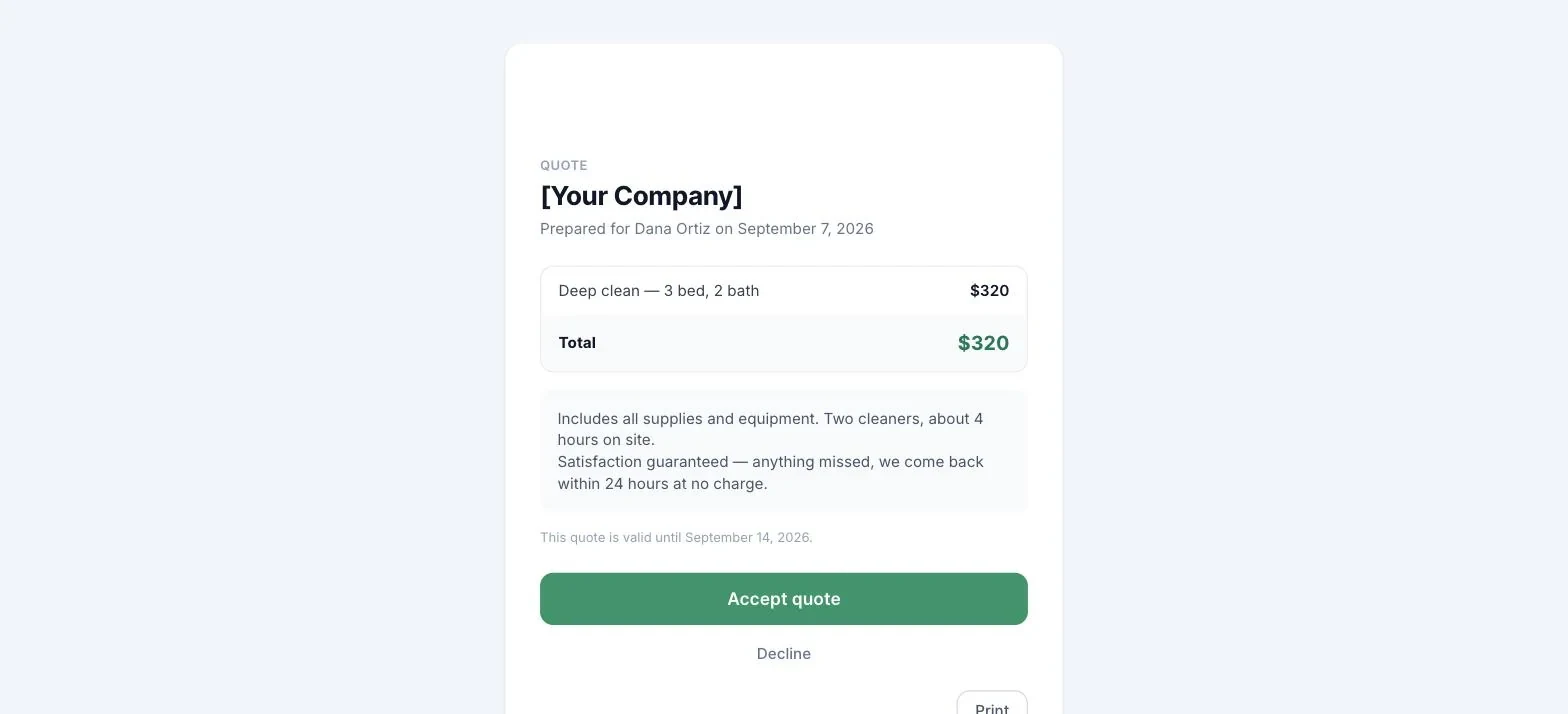
The page has a Print button. On paper the quote comes out as a clean document: your logo and accent bar as the letterhead, the quote number, line items and totals, notes and payment instructions, with no buttons or web chrome.
Screenshot: `images/client-quote.png`
The email button opens a clean quote page with your business name and logo, the line items, the total, your notes, and the expiration date. No account, no login; the secure link is unique to this quote.
The client can:
- Accept quote: you get an acceptance email immediately, the quote’s status flips to Accepted, and the lead’s value is set to the quote total so your revenue numbers match what was actually agreed.
- Decline: they can optionally tell you why, and the reason shows on the quote in your app. A follow-up call on a decline can often turn it around or surface what to adjust.
After accepting, the page confirms: “Quote accepted 🎉 [Your business] has been notified and will be in touch to schedule the work.”
Still stuck?
Email us and a person will answer. Include your workspace name, and the quote or invoice number if it is about one.
Email support@houndbell.com