
Quote three options: Good, Better, Best
One switch turns a quote into three options the client picks from. You write each option once; they choose from their phone; the pick becomes the quote, so the invoice and the agreement follow it.
- Open a quote and turn on Good, Better, Best. Lines you already typed move to the Better tab, and each tab shows its own total.
- Fill the tabs. Pick an item from your price book and its tiers land on the right tabs; the blue All three chip drops every tier in one tap. A one-price item lands on all three to adjust. A quote needs at least two options.
- Job lines like the consultation or a one-price item sit on every option, and edits to them follow across tabs. Tiered picks stay on their tab.
- Send it. The email says three options are inside, with each total.
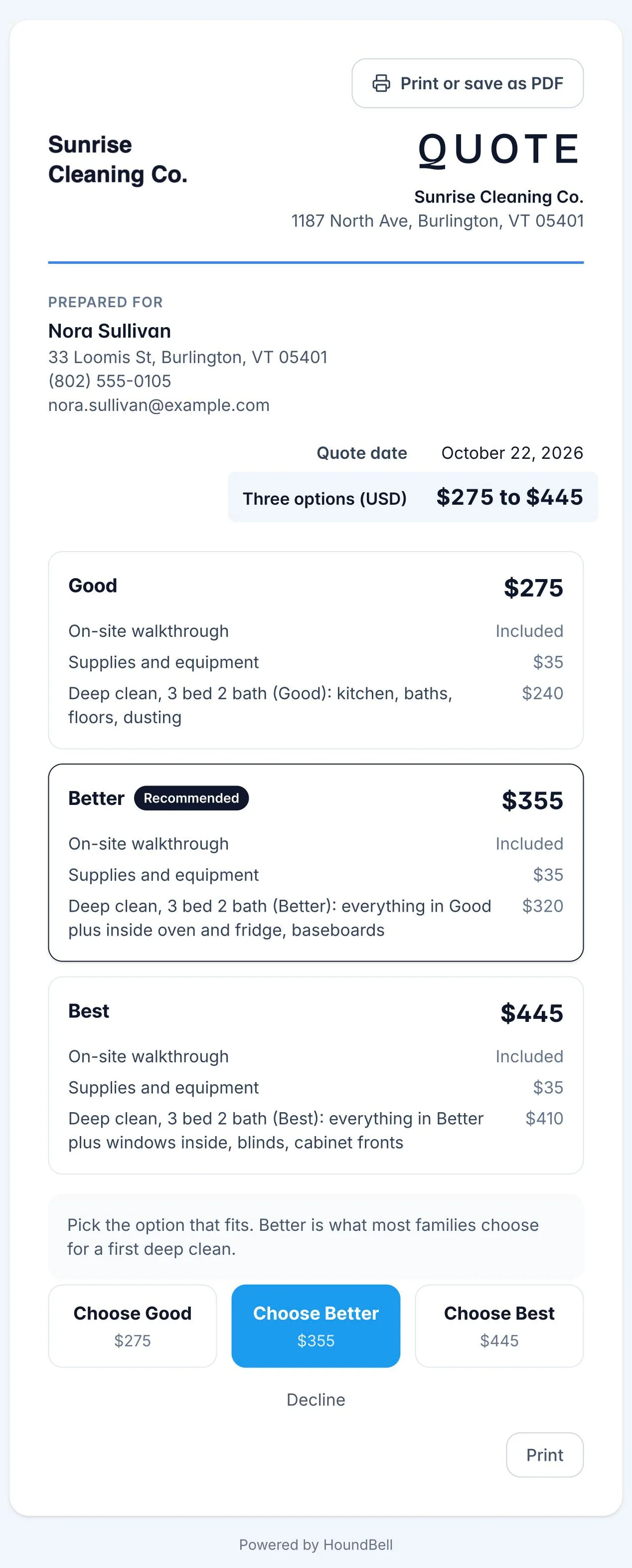
On the client’s page the options stack as full-width cards with the total on the right and your Recommended pick wearing the badge. A radio above the tabs in the builder sets which option carries it; until you choose, it sits on Better. A $0 line, like an included walkthrough, reads Included. They press Choose and the quote’s lines, tax and total become that option. Until they pick, your recommended option stands.
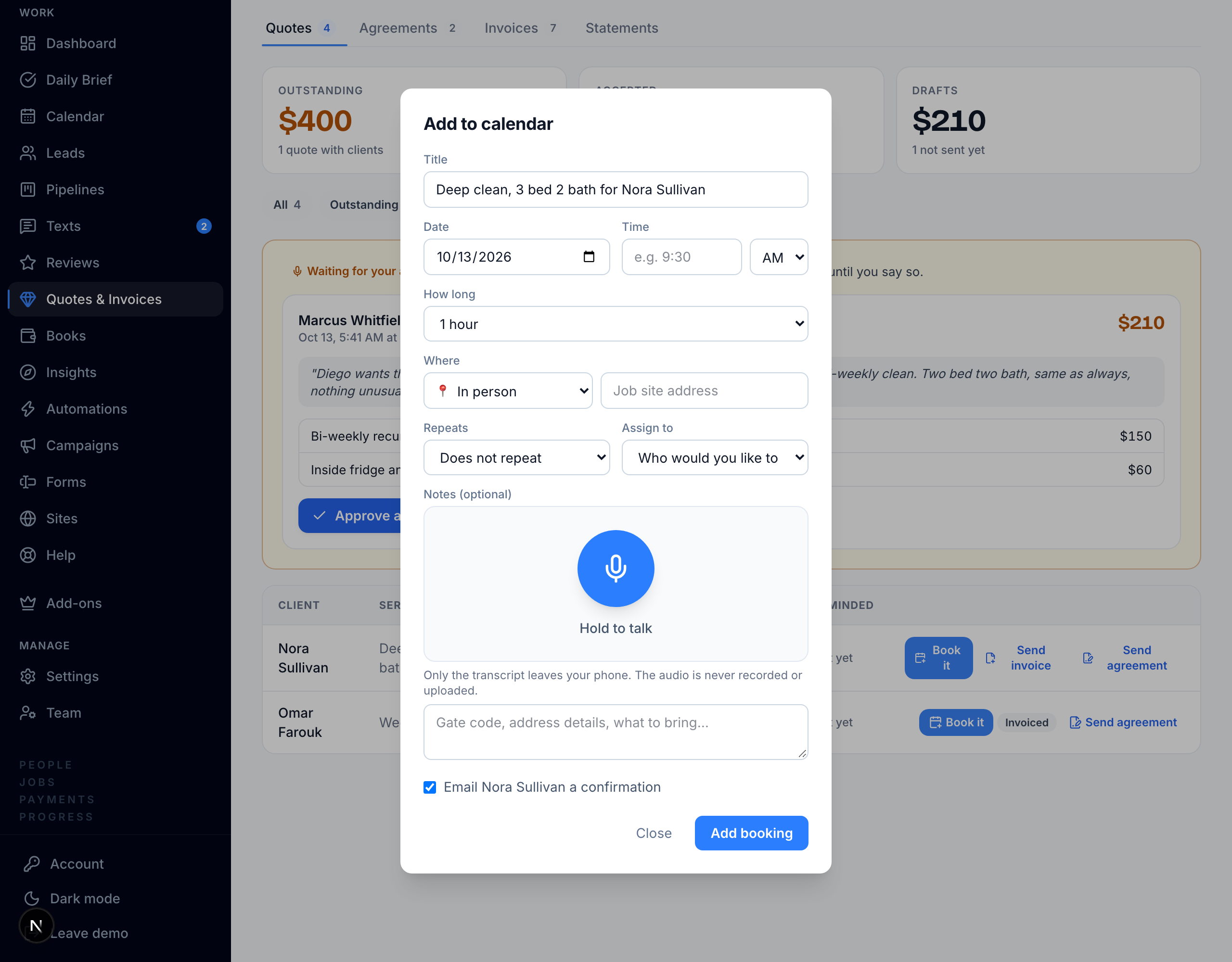
When they accept: press Book it on the accepted quote and the booking dialog opens prefilled, with an optional quote deposit if you set one under Settings, Deposits. Or tick Send a pick-a-day link on the quote and acceptance texts them a booking page tied to the quote.
Also on every quote and invoice: Preview opens the client’s own page marked Preview, not sent; Print or save as PDF sits at the top of the page and in the row menu, drafts included; and drafts reopen with Edit draft.
Still stuck?
Email us and a person will answer. Include your workspace name, and the quote or invoice number if it is about one.
Email support@houndbell.com