
Where is my tech: the client’s live link
“Where is he?” stops being a phone call. The On my way text ends with a private link where the client watches the visit happen.
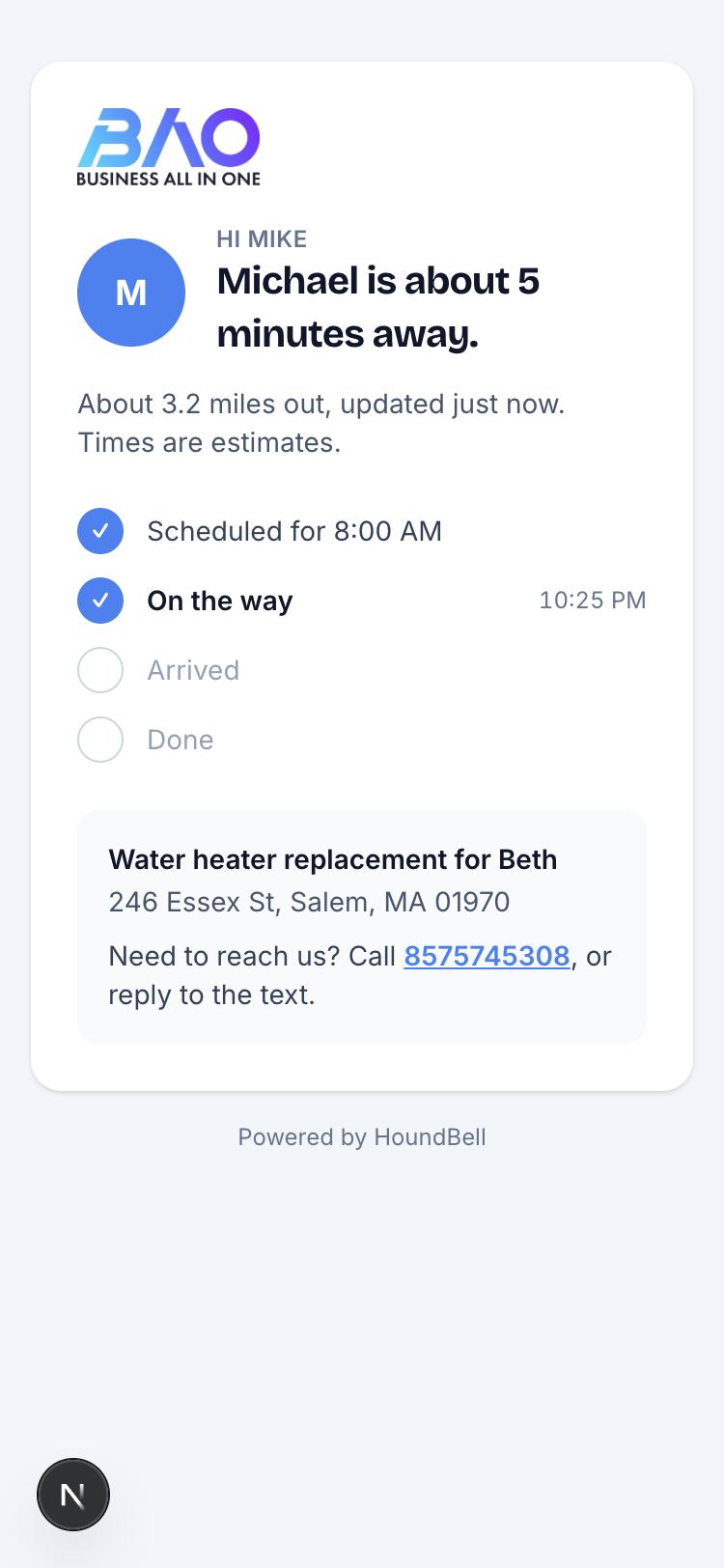
- Who is coming: the tech’s photo and first name. Add photos from the Team page (every face is tappable) or let each person add their own from Account; a banner nudges anyone without one.
- The stamps as they happen: scheduled, on the way, arrived, done, each with its time. The page refreshes itself.
- How far out: while the tech shares their phone’s position, the client sees miles and minutes, updated as they drive. Coordinates never reach the client, and sharing ends at Arrived or three hours after On my way, whichever comes first.
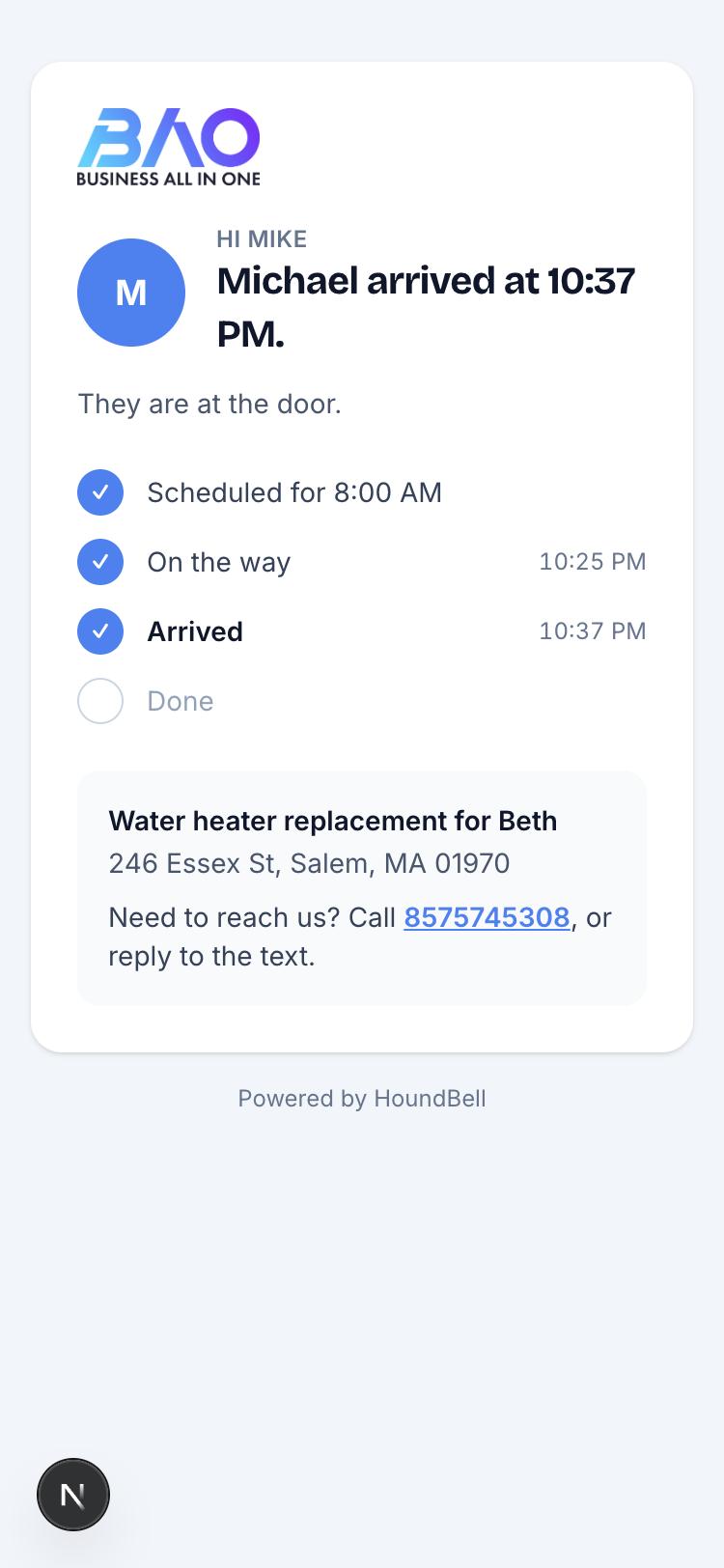
On the crew pass, the tech is asked once to share after tapping On my way, and an Arrived button stamps the page and stops sharing. The link is per job and expires after seven days.
The same face follows the whole visit: booking confirmations and reminders say who is coming, the On my way text carries the photo as a picture message, and the review ask shows it above “How did Carlinne do today?”.
Still stuck?
Email us and a person will answer. Include your workspace name, and the quote or invoice number if it is about one.
Email support@houndbell.com