
Notes and parts from the job
The crew used to be able to answer the office, but never start the conversation. Now a Note to the office card sits at the top of the pass every day.
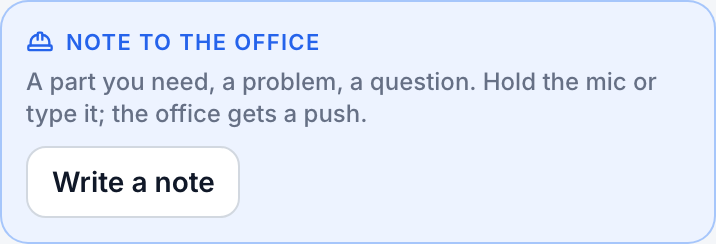
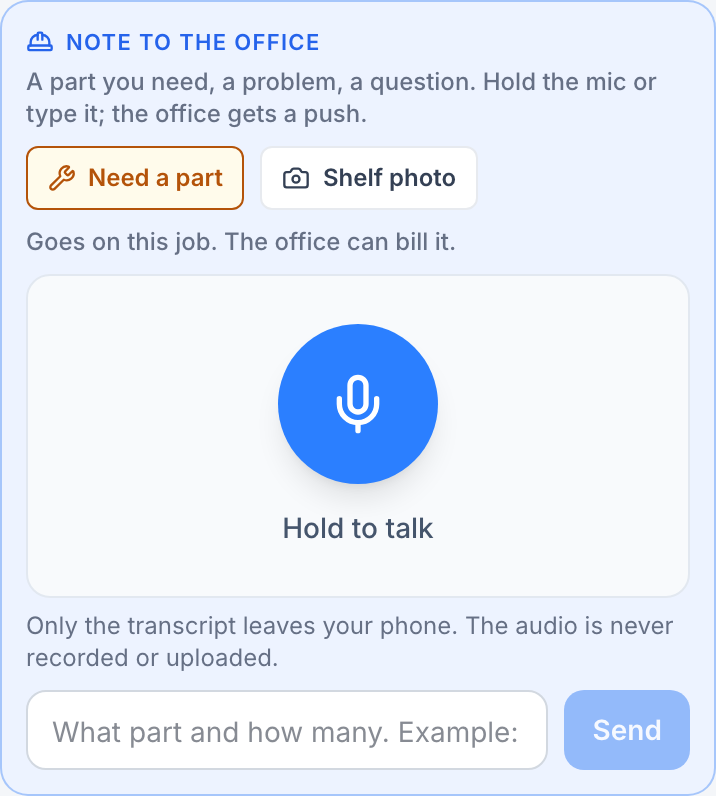
- Write a note: hold the mic (in the crew member’s own language) or type. If a job is open, the note is tagged with it, like “Re: Regular Cleaning for Luis Moreno: need a 2 inch P-trap”, so the office knows which job without asking. It lands on the Crew tab of Texts and pushes the owner.
- Need a part: say what and how many, and add a shelf photo when a job is open; the photo lands on that job. The push reads “Sam needs a part”, and the note carries a Part chip on Texts and a “Part needed” line on the Daily Brief.
- On the invoice: when the office invoices that job, the builder says “The crew asked for 2 parts on this job” with one button, Add as lines. The parts land at quantity 1 for the office to price.
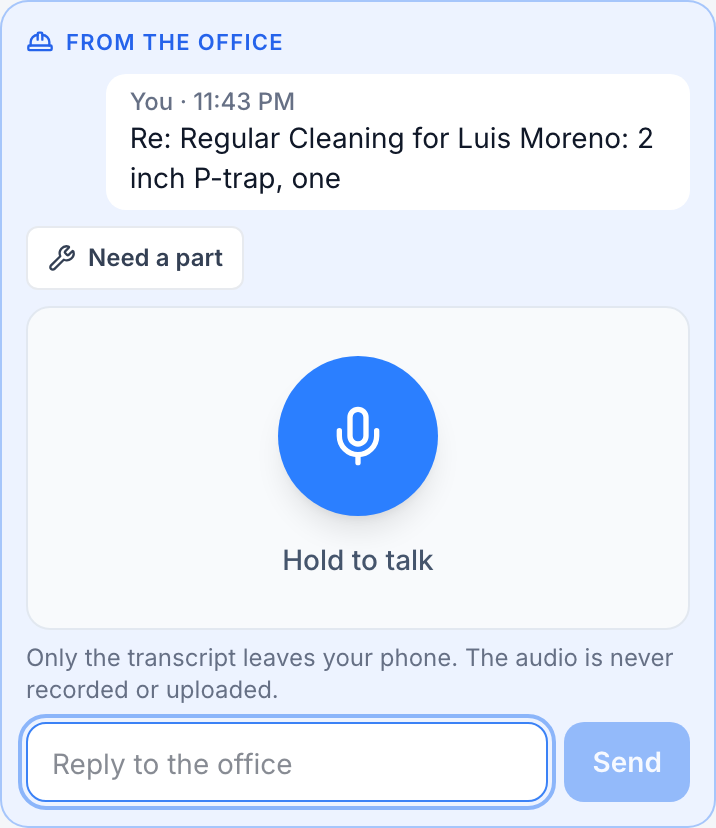
No signal? Both wait in the outbox and send when it is back. Office notes never collapse into one another.
Still stuck?
Email us and a person will answer. Include your workspace name, and the quote or invoice number if it is about one.
Email support@houndbell.com