
Time clock and timesheets
See the crew view in the live demo: what a crew member sees on their phone, no login, nothing saved.
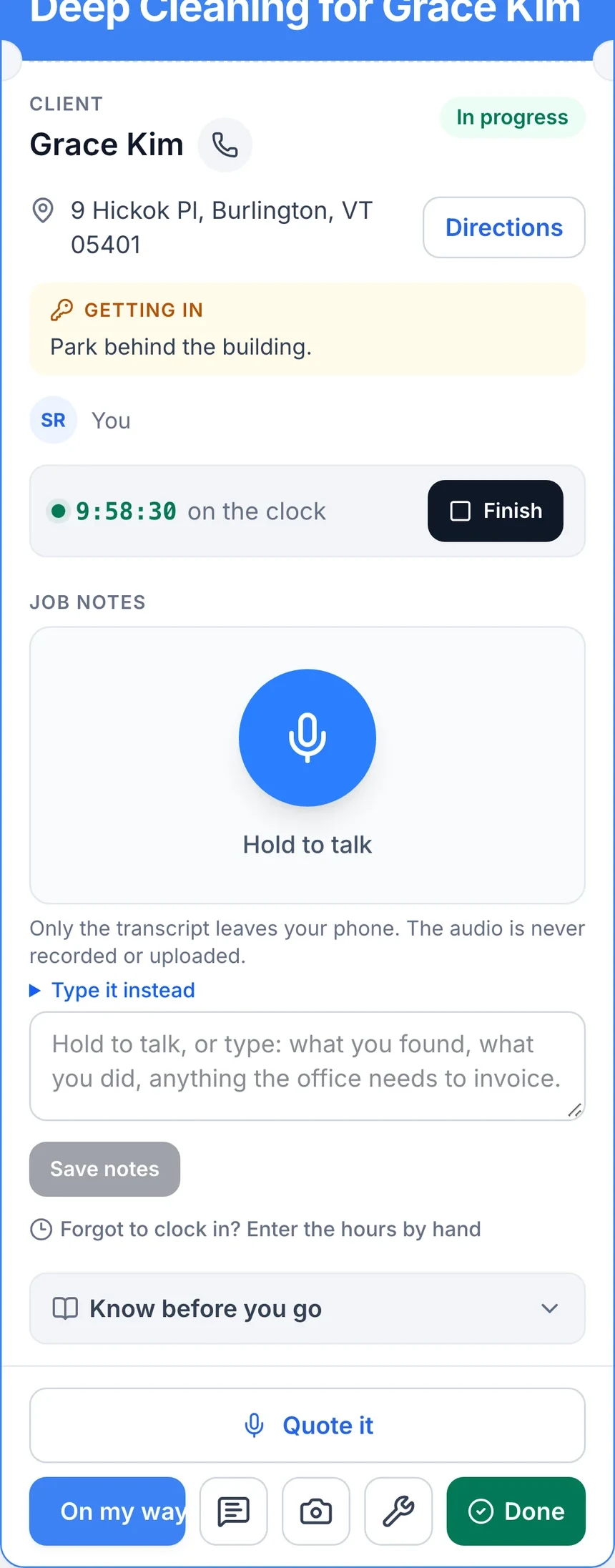
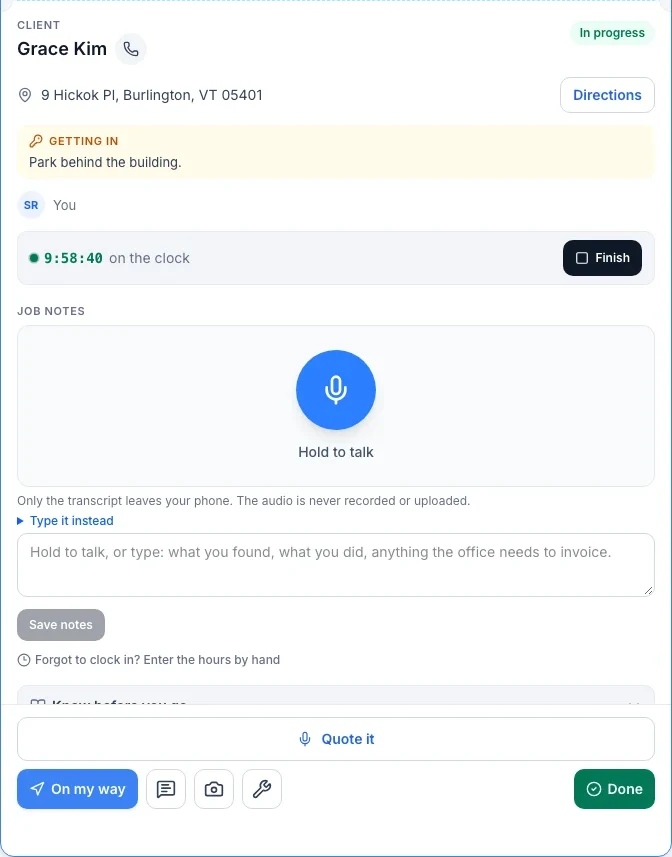
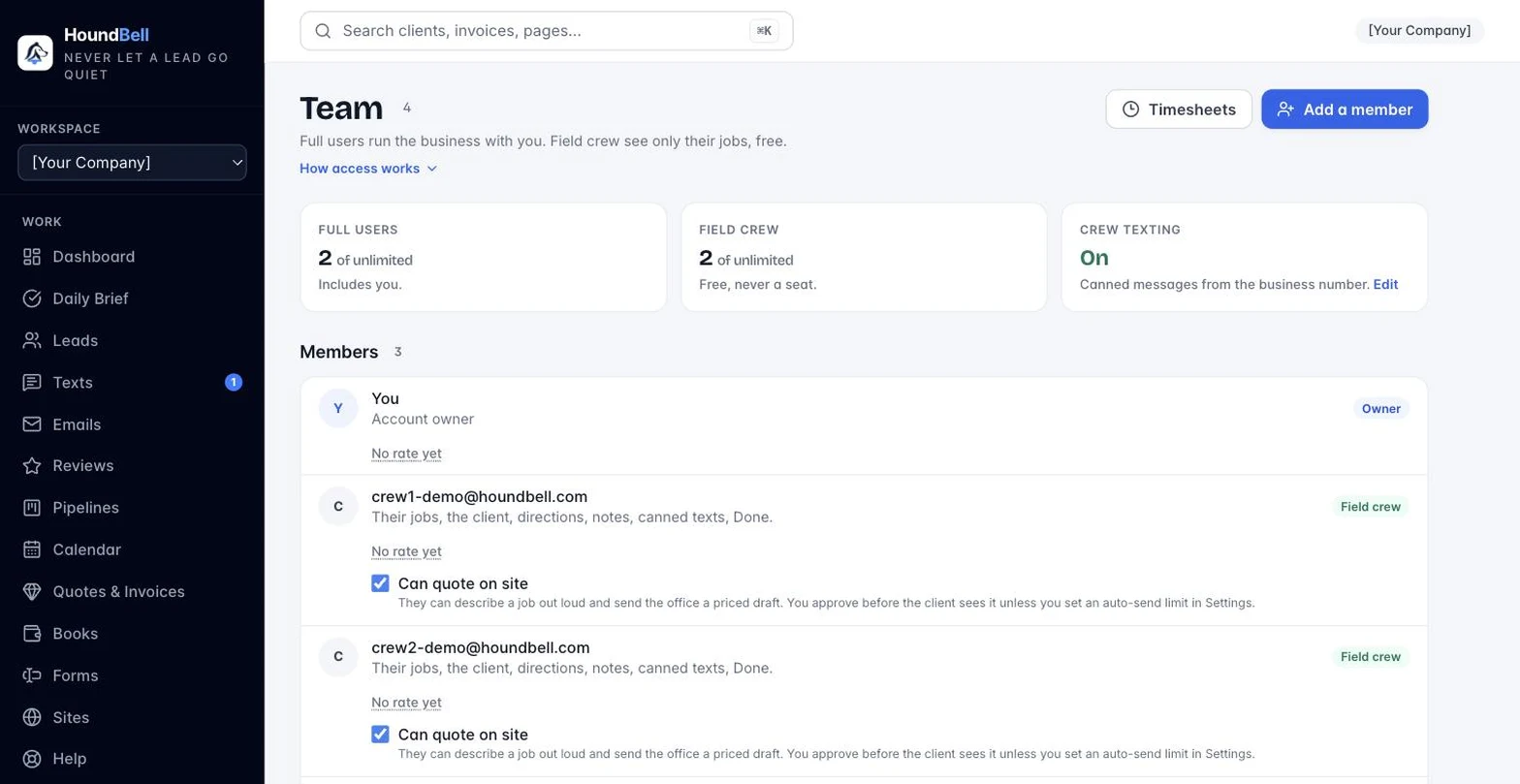
Where: the field crew app, and Team for the office view.
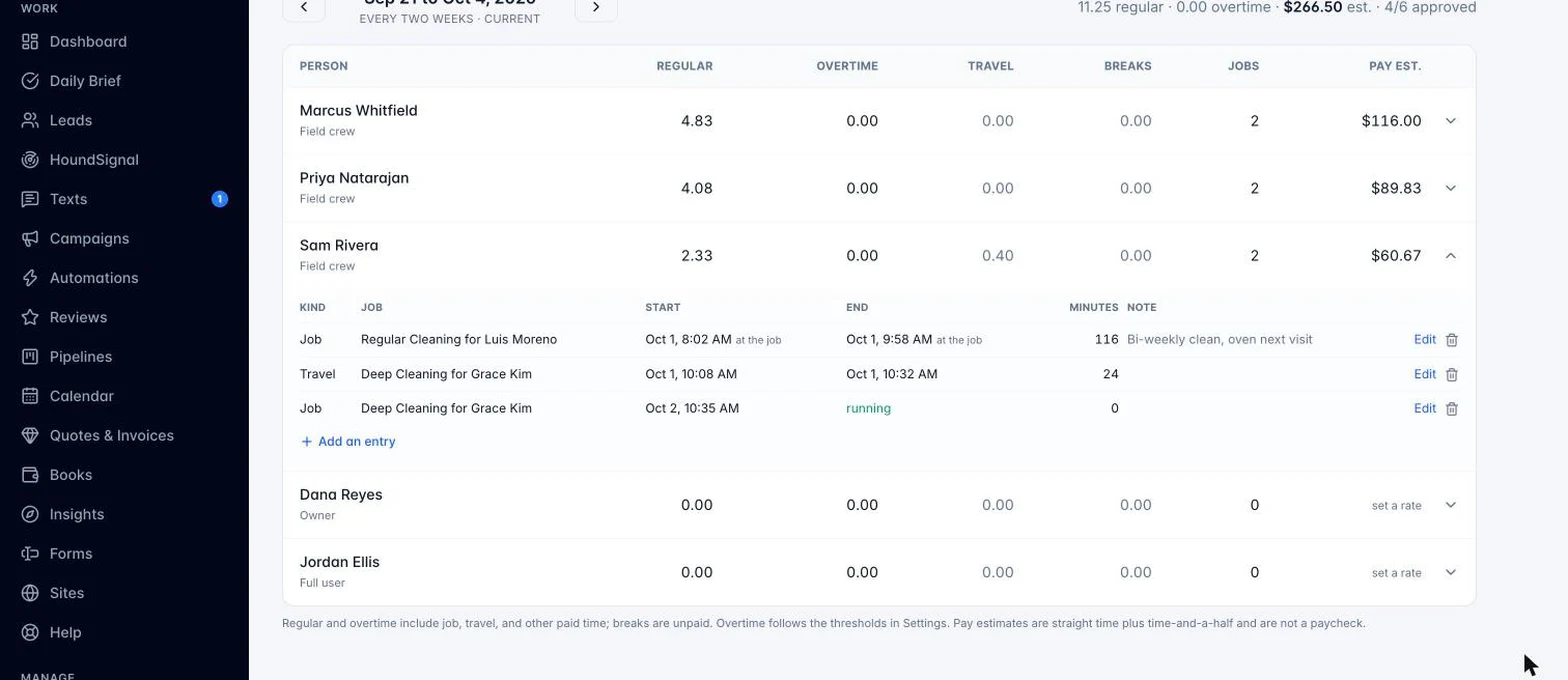
Crew members clock in when they start their day and clock out when they finish, right from their phone. HoundBell keeps a timesheet from those punches: the day, the hours, and the job or jobs worked.
For the office, timesheets roll up under Team, where you can review hours by crew member and by pay period. When it is time to run payroll, export a file in the format your payroll provider accepts, so hours worked do not have to be retyped anywhere.
This works the same for a solo crew member or a full team, and it never counts against a plan’s seat limit since field crew logins are always free.
Still stuck?
Email us and a person will answer. Include your workspace name, and the quote or invoice number if it is about one.
Email support@houndbell.com