
Let people pick more than one answer
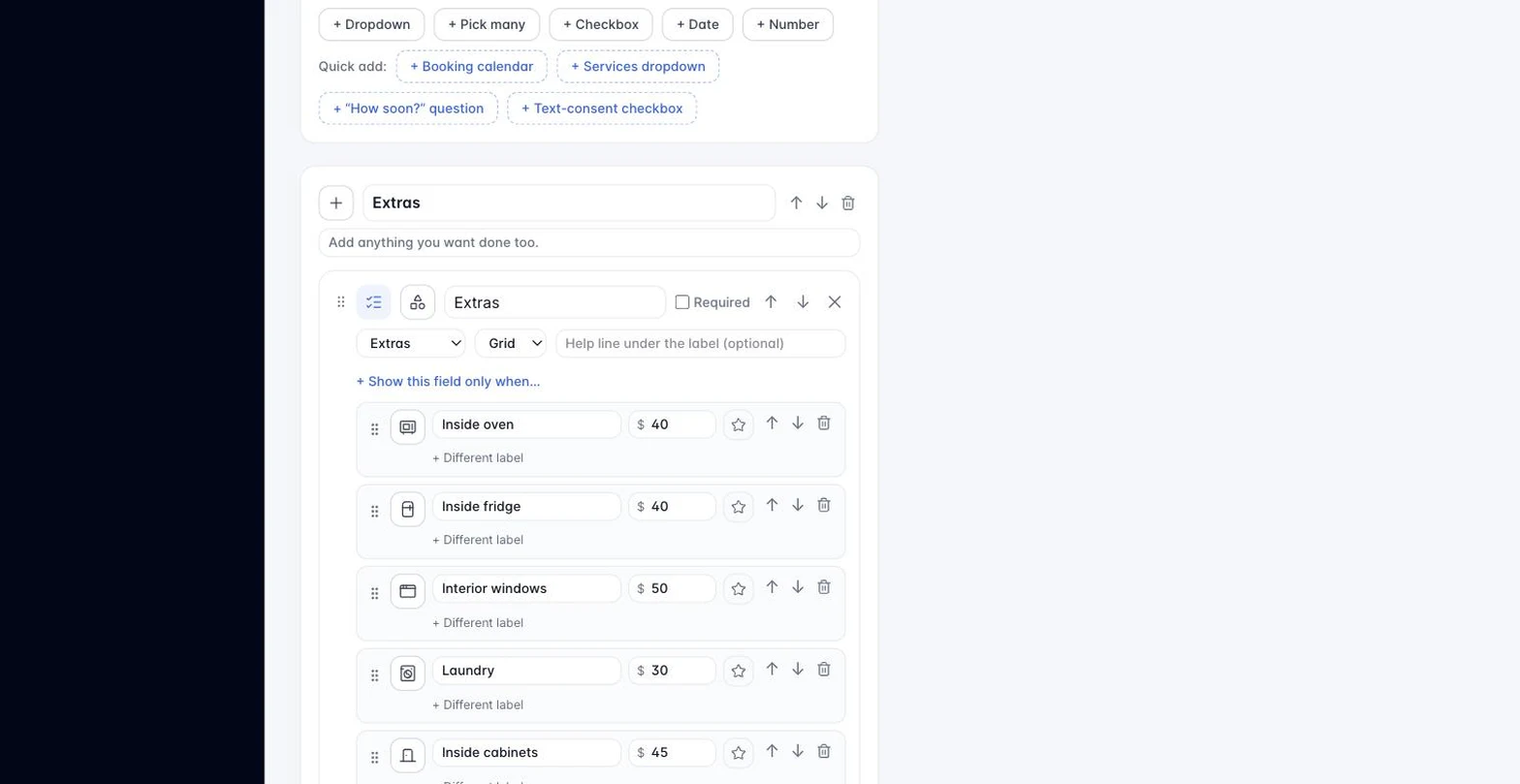
A Pick many field is a set of checkboxes: “Which rooms?” with Kitchen, Bathrooms, Bedrooms, Basement. Visitors tick as many as apply. The lead card shows the answer as one line, for example “Kitchen, Bathrooms.”
- In the form builder, click + Pick many under the field list.
- Name the question and type the choices separated by commas, the same way a dropdown’s choices work.
- Mark it required if at least one choice must be ticked.
Pick many works with conditional logic (Article 3.6): a later field can show when the answer includes a choice (“show the basement question when Basement is ticked”) or does not include one. It renders the same way on the WordPress plugin (2.2.0 or later), the universal embed, and the preview.
Still stuck?
Email us and a person will answer. Include your workspace name, and the quote or invoice number if it is about one.
Email support@houndbell.com