
On my way and before-and-after photos
See the crew view in the live demo: what a crew member sees on their phone, no login, nothing saved.
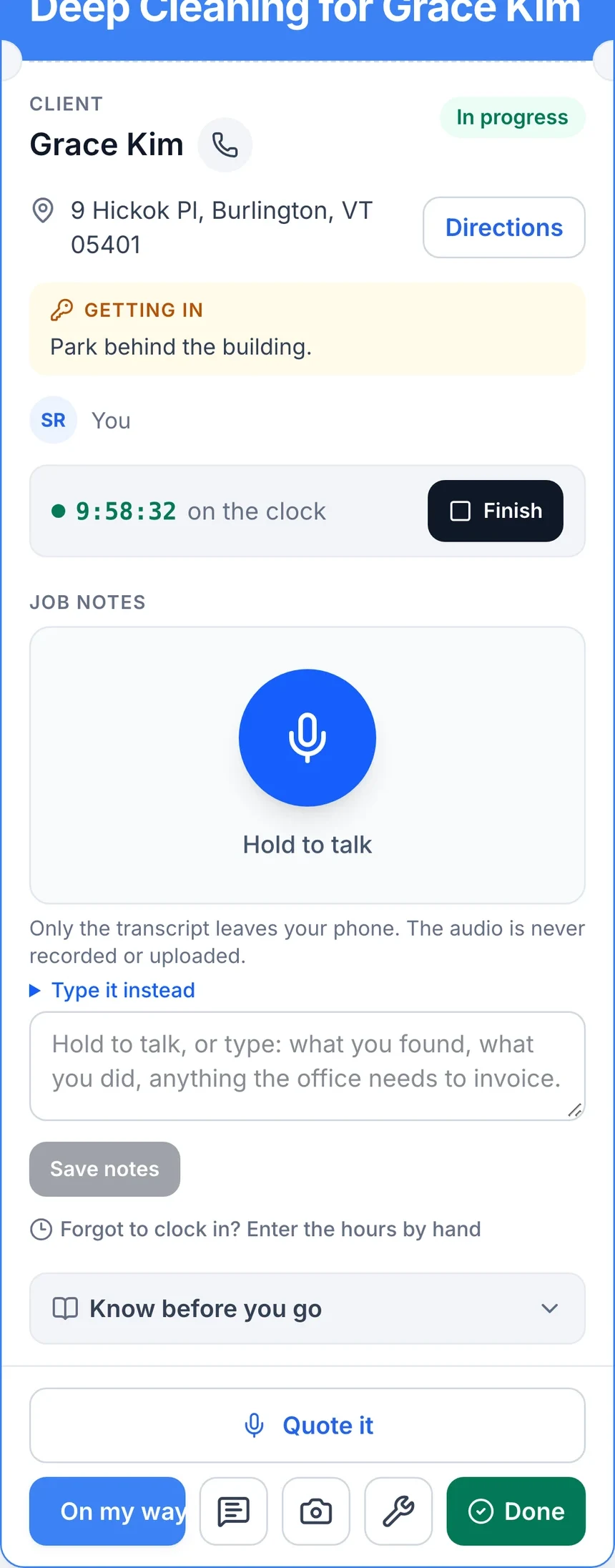
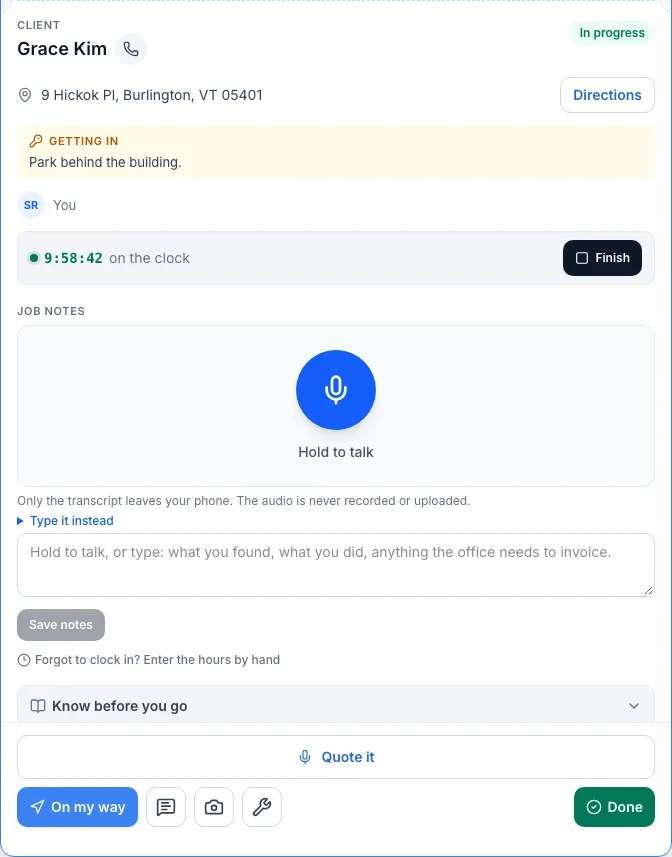
Where: the crew boarding pass, the field crew’s card for each job.
Each job on a crew member’s phone is a single card: the time window, the service, the client, the address with Directions, and an action row across the bottom.
- On my way sends the client a text the moment the crew taps it, so nobody is left wondering if the appointment is still happening.
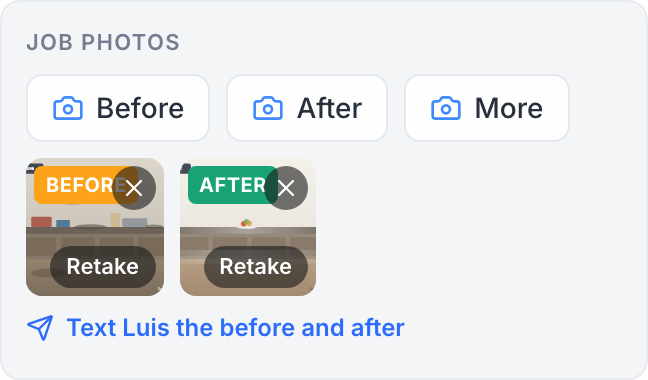
- Photos opens the phone’s camera directly. Crew tag each shot Before, After, or More for anything else worth keeping: the panel, the meter, the part that broke; large photos are shrunk automatically so they upload fast from a job site with a weak signal.
- Text sends one of the business’s canned messages, word for word, from the business number.
- Done closes out the visit.
The office sees On my way texts on the client’s card like any other text, and sees the photos on the booking in the calendar, under the notes, and as a small camera icon with a count next to the appointment on the client’s card. If the crew member is offline when they tap On my way or Done, it is queued and sent the moment their signal returns.
—
More photos: a third button beside Before and After takes any other shot, and the office can add one with Add photo on the booking. Extras show as “Photo” in the strip and ride along on the client’s before-and-after page under the pair.
Still stuck?
Email us and a person will answer. Include your workspace name, and the quote or invoice number if it is about one.
Email support@houndbell.com