
Add extra work from the job
See the crew view in the live demo: what a crew member sees on their phone, no login, nothing saved.
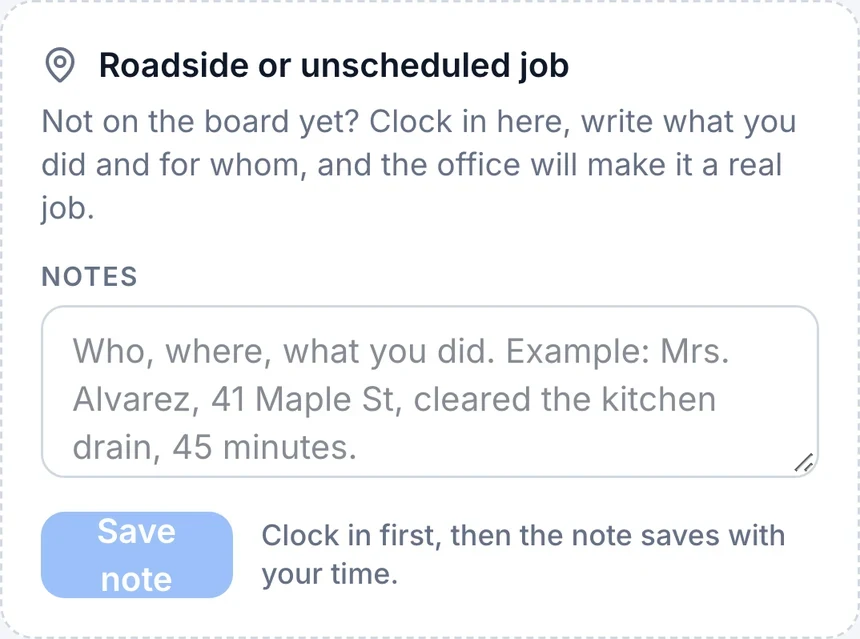
Where: your job card in the field crew app, once a job is in progress.
Found something extra while you were already there? Tap the wrench icon, Add work, on the job.
Build the extra work as one or more lines: pick a line straight from the business’s services list, which fills in its usual price, or type your own description and price for anything not on the list. Add a photo of what you found and a short note if it helps explain it, then tap Send for approval.
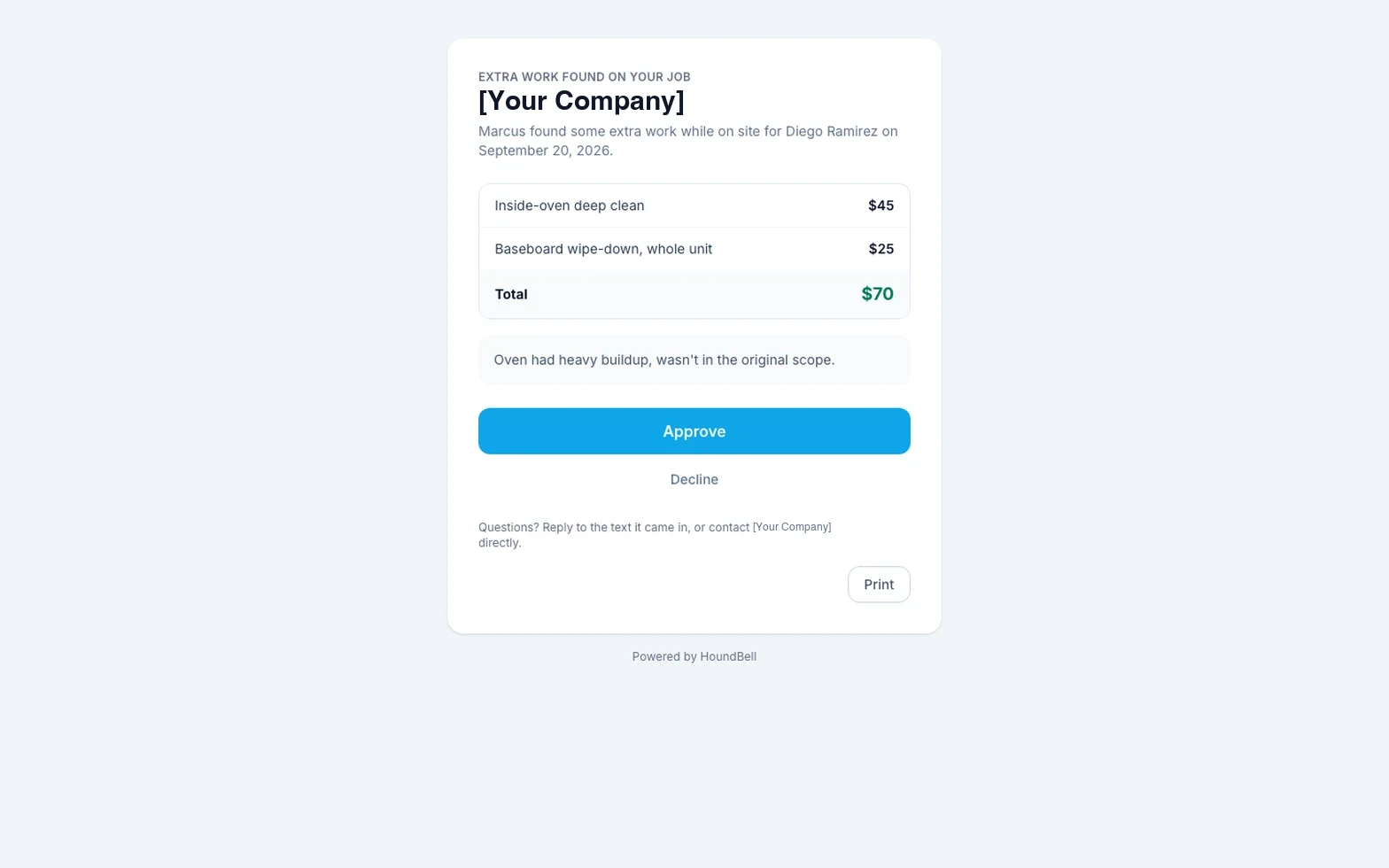
The client gets a text with a link. They see the items, the total, and two buttons: Approve or Decline. No login needed. If they approve, the extra lines fold straight into whatever invoice is already open for that job, or start a new draft invoice if there is not one yet. Both you and the office are told the moment they answer.
The wrench button on your job card turns into a status once you have sent something: Sent while it is waiting on the client, Approved, or Declined, so you always know where it stands without asking.
The office sees every change order on the lead’s timeline, right alongside the quotes, invoices, and other history for that client.
Still stuck?
Email us and a person will answer. Include your workspace name, and the quote or invoice number if it is about one.
Email support@houndbell.com