
Know before you go
See the crew view in the live demo: what a crew member sees on their phone, no login, nothing saved.
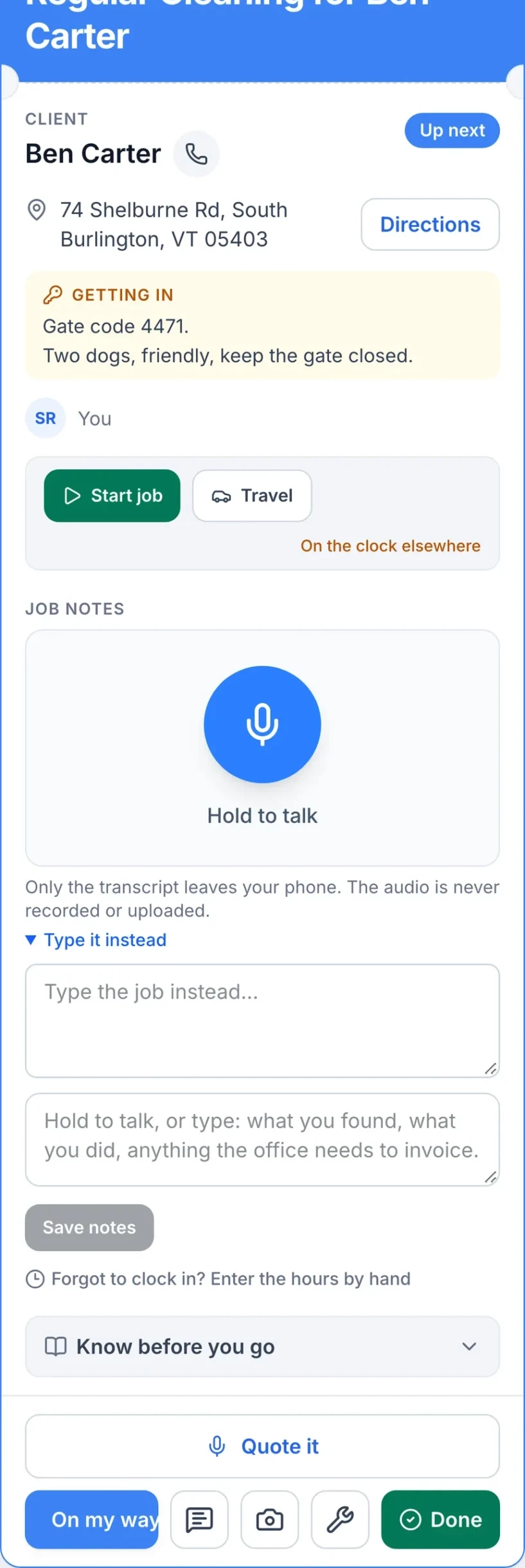
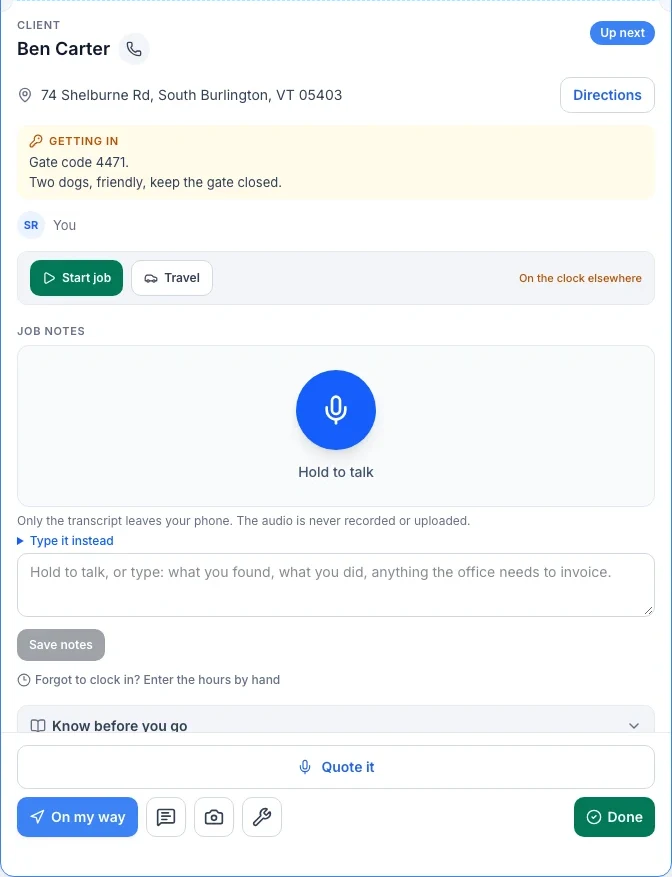
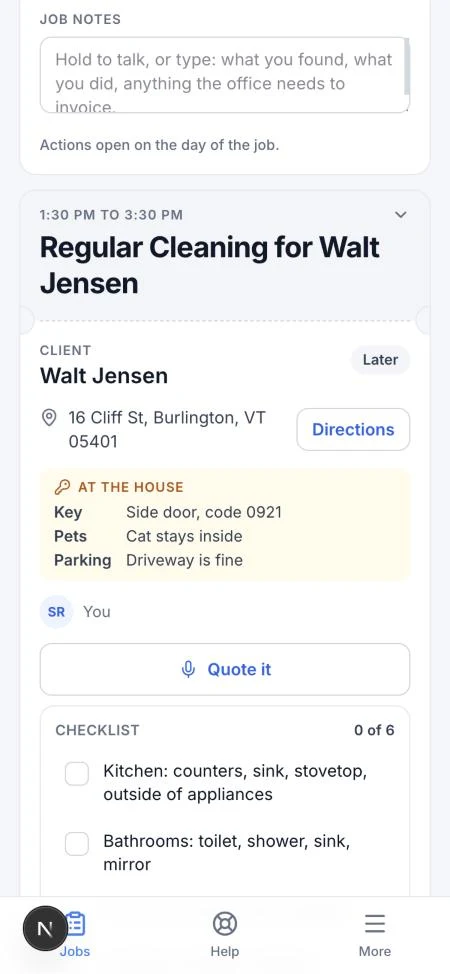
Where: the “Know before you go“ panel on your job card.
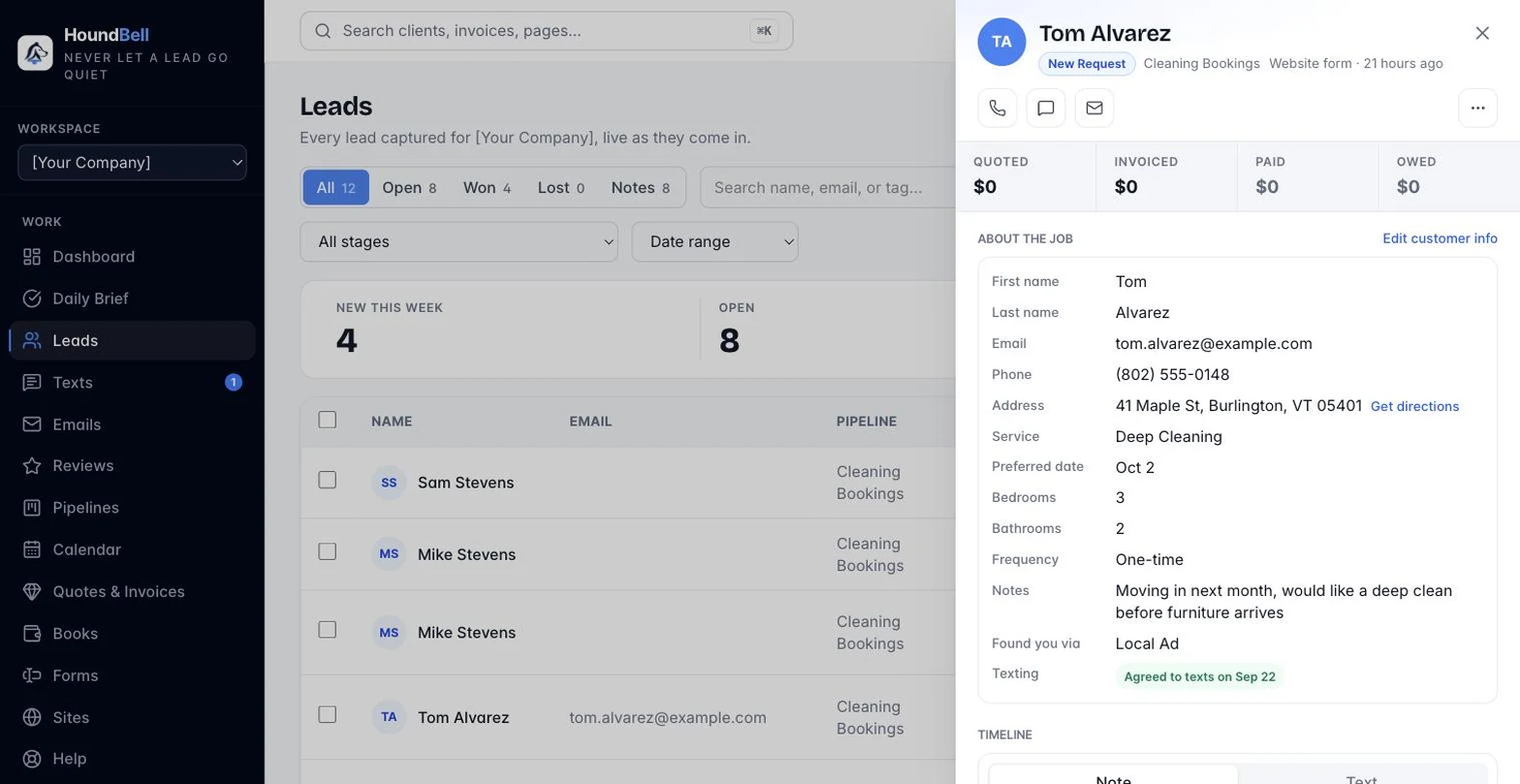
Before you knock, tap this panel open on the job. It pulls together everything worth knowing before you walk up.
- Gate, parking, alarm, pets are picked out automatically from the job’s notes, so a gate code or a dog on the property surfaces without you having to read through everything.
- Site notes are yours to add to and edit right there, and they stick around for next time, not just this visit. Anything you write here also shows on the client’s lead card in the office, and anything the office writes on the lead card shows here.
- Last visit shows the most recent completed visit, who did it, and how many photos were taken, so you know what already happened at this address.
- What was promised pulls from the accepted quote or the original booking, so you can see exactly what the client agreed to before you start.
Site notes are the one part of this panel meant to grow over time. A quick line about a tricky lock or where the water shutoff is saves the next person a walk around the house. The office can add or edit the same site notes from the lead card, so it stays a shared, living note rather than something only one side sees.
—
Still stuck?
Email us and a person will answer. Include your workspace name, and the quote or invoice number if it is about one.
Email support@houndbell.com