
Invoice reminders
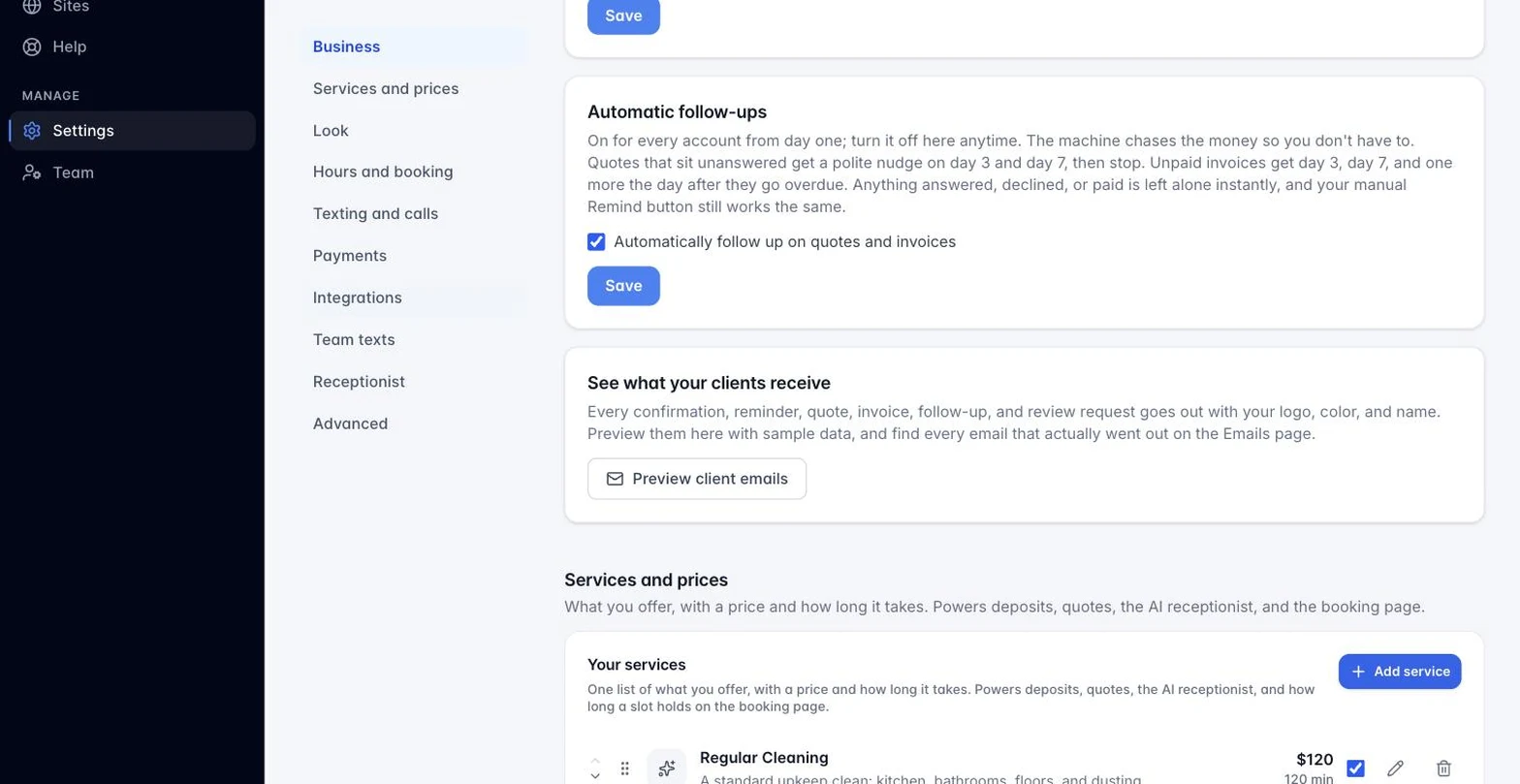
You may not need to do anything. Automatic follow-ups are on by default on every plan: an unpaid invoice gets a nudge on day 3, day 7, and one more the day after it goes overdue, and the reminders stop the moment the money lands. Turn it off with one click per invoice if a client should not be chased. The manual Remind button below is there whenever you want to nudge on your own schedule.
Unpaid invoices (Sent, Viewed, or Overdue) have a Remind button on the Invoices tab and the lead card. One click sends a professional reminder with the amount, due date, and payment link. The email’s tone adjusts automatically: friendly before the due date, firmer once the invoice is past due. The Reminded column records it, and the button locks for 24 hours after each send.
Still stuck?
Email us and a person will answer. Include your workspace name, and the quote or invoice number if it is about one.
Email support@houndbell.com