
What the client sees, and paying by card
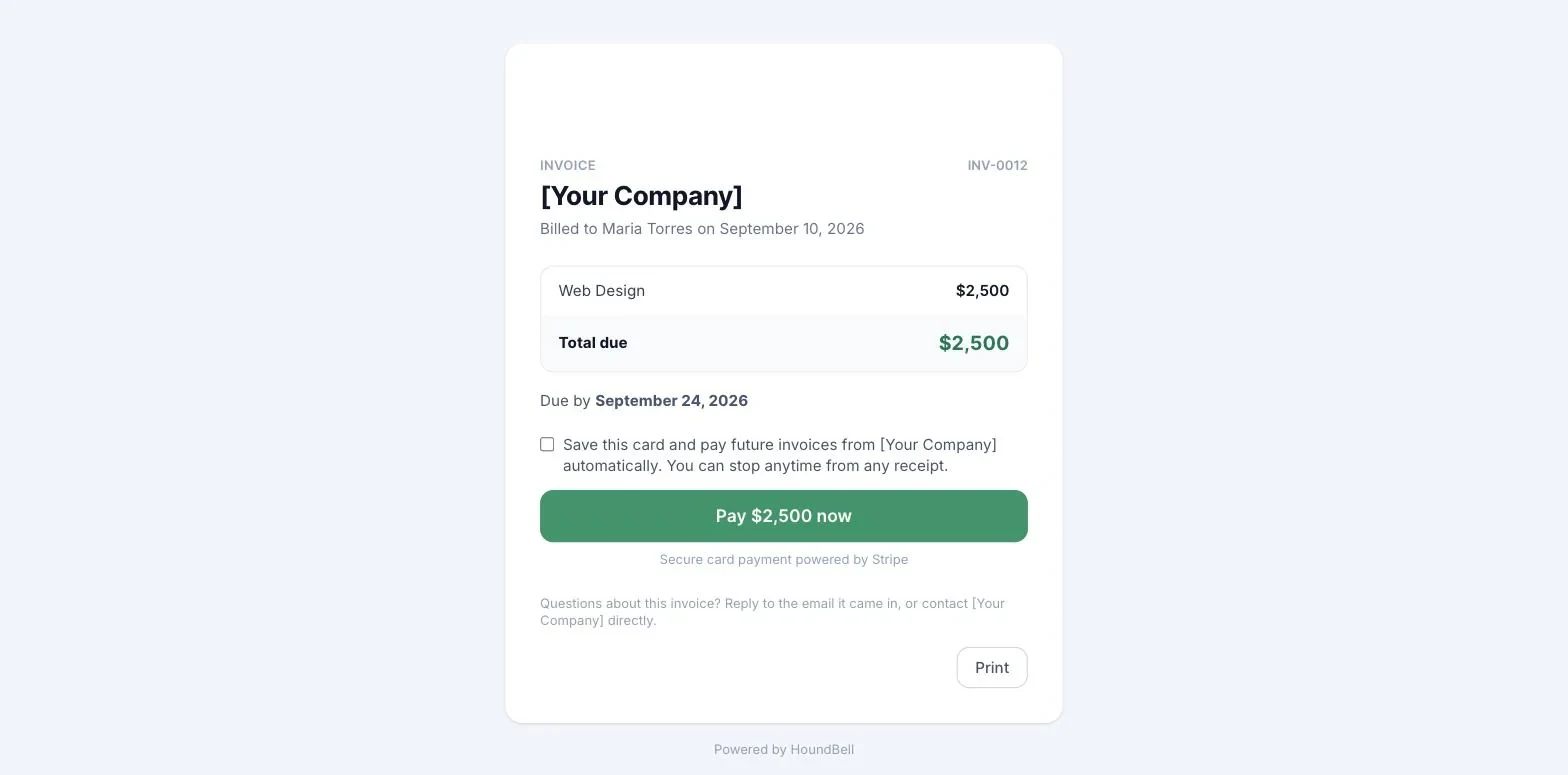
The page has a Print button. On paper the invoice comes out as a clean document: your logo and accent bar as the letterhead, the invoice number, line items and totals, notes and payment instructions, with no buttons or web chrome.
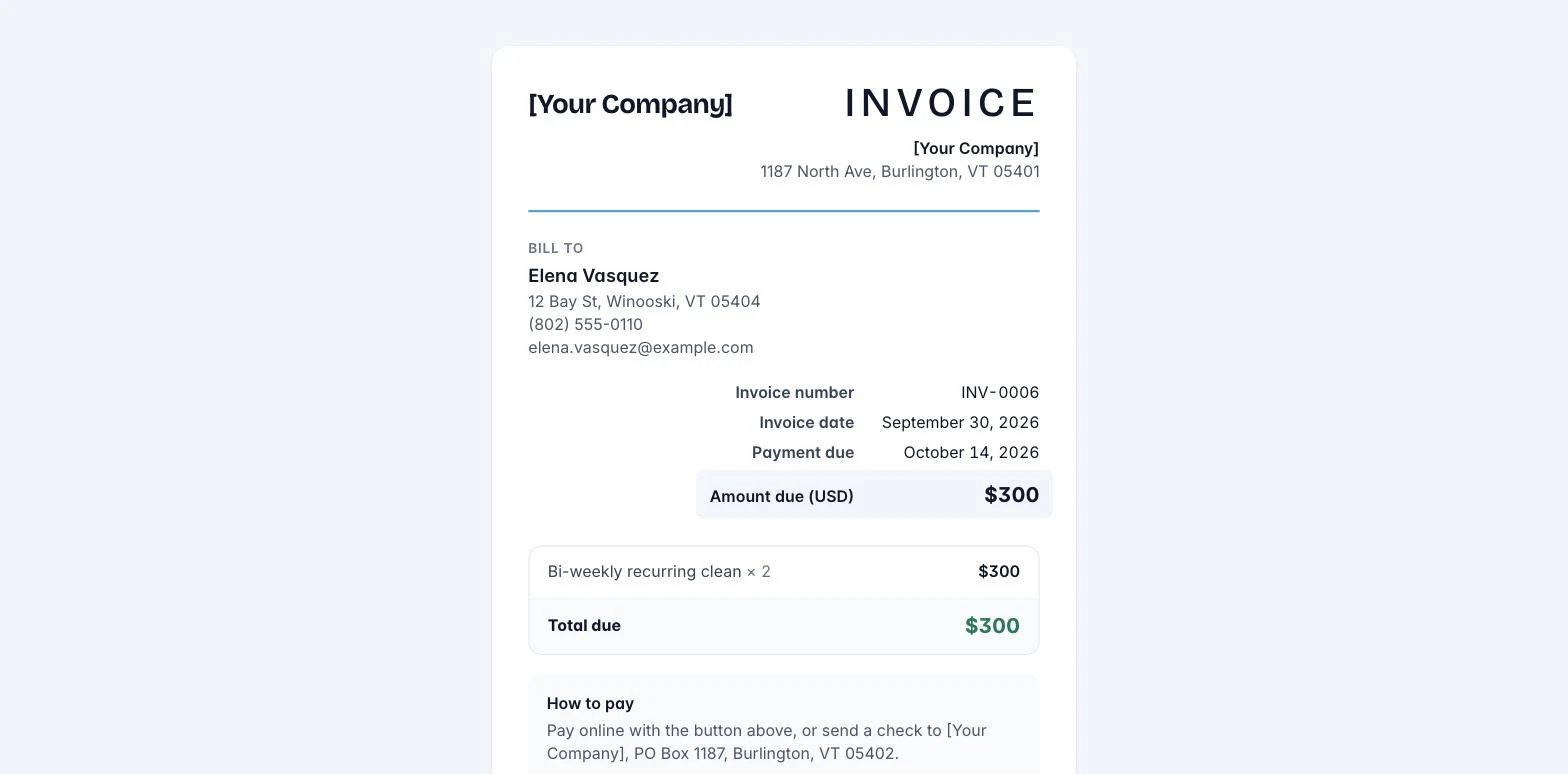
Screenshot: `images/client-invoice.png`
The invoice email opens a page with your branding, the invoice number, the itemized total, and the due date. If you have connected Stripe (Article 7.7), the page shows a Pay now button labeled with the amount. The client pays by card on Stripe’s secure checkout in about a minute; the money goes directly to your bank account.
When a card payment goes through:
- The invoice marks itself Paid automatically.
- The client gets a receipt email.
- You get a payment notification email.
If the client pays another way (check, cash, Zelle), record it yourself with Mark paid (Article 7.5).
Still stuck?
Email us and a person will answer. Include your workspace name, and the quote or invoice number if it is about one.
Email support@houndbell.com