
Take card payments through your own Square account
Where: Settings, Payments, Card payments.
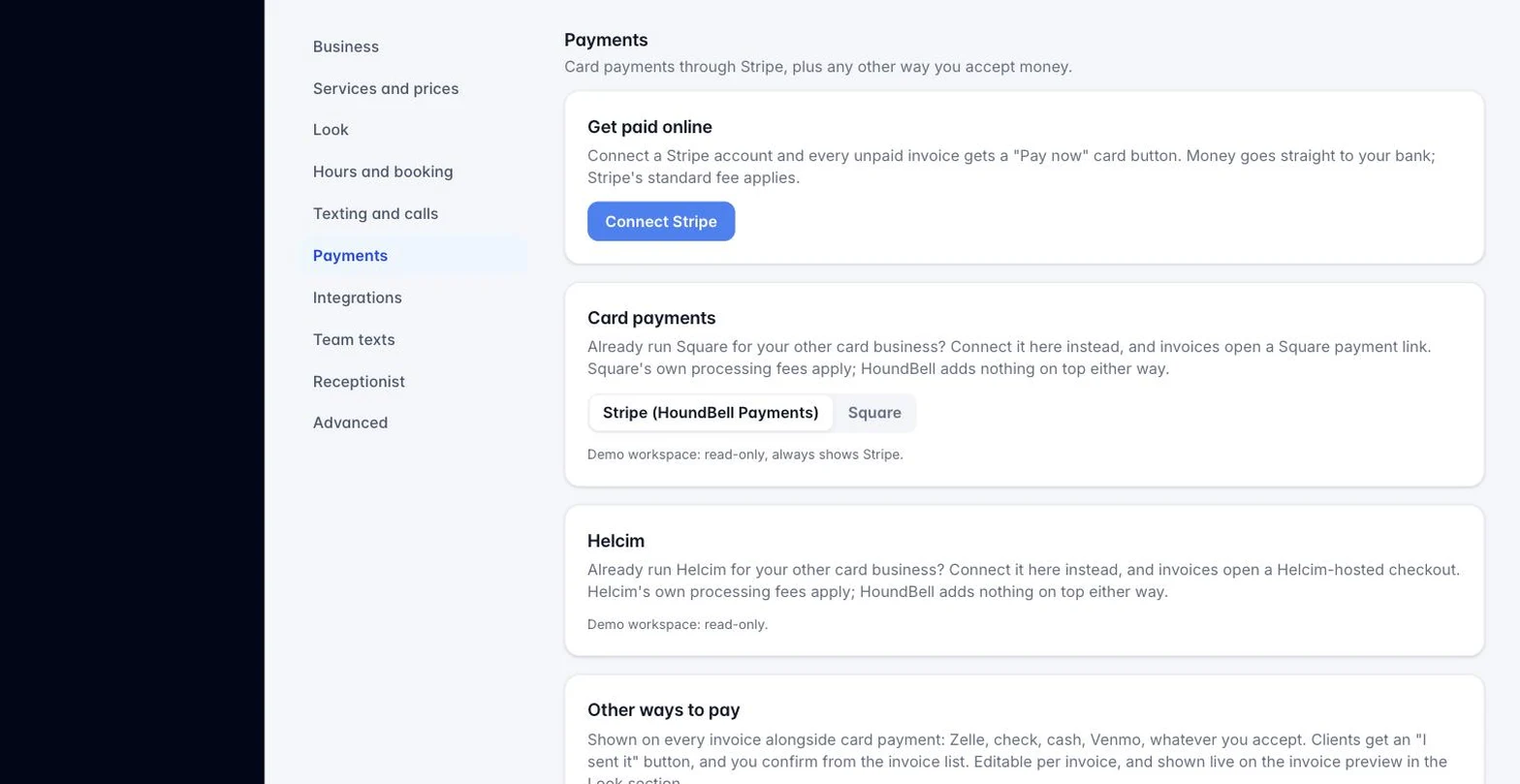
Most businesses take card payments through HoundBell Payments, powered by Stripe, with no setup beyond connecting your bank. If you already run Square for your other card business, connect that instead.
- Go to Settings, Payments.
- Under Card payments, on the Use Square instead card, set Invoices charge through to Square.
- You’re sent to Square to sign in and approve the connection, then brought back.
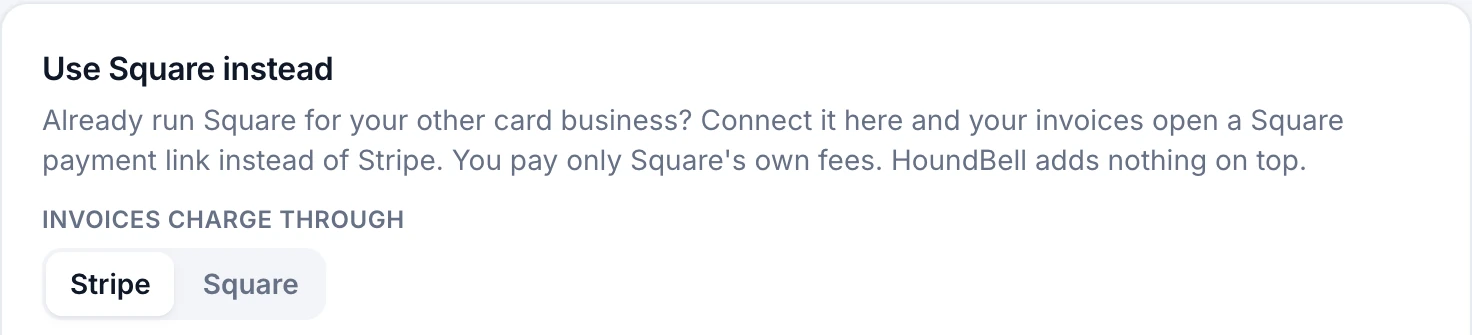
Once connected, every invoice’s Pay now button opens a Square payment link instead of a Stripe one. Everything downstream works the same way it does with Stripe: the client pays, the invoice flips to paid, a receipt goes out, and the payment lands in your Books and, if connected, QuickBooks. Square’s own processing fees apply; HoundBell does not add anything on top either way.
Switching back. Choose Stripe (HoundBell Payments) in the same spot. No new connection is needed, since it was already there.
Still stuck?
Email us and a person will answer. Include your workspace name, and the quote or invoice number if it is about one.
Email support@houndbell.com