
Connect Stripe and get paid by card
Card payments are powered by Stripe, the same processor behind millions of businesses. Connecting takes a few minutes:
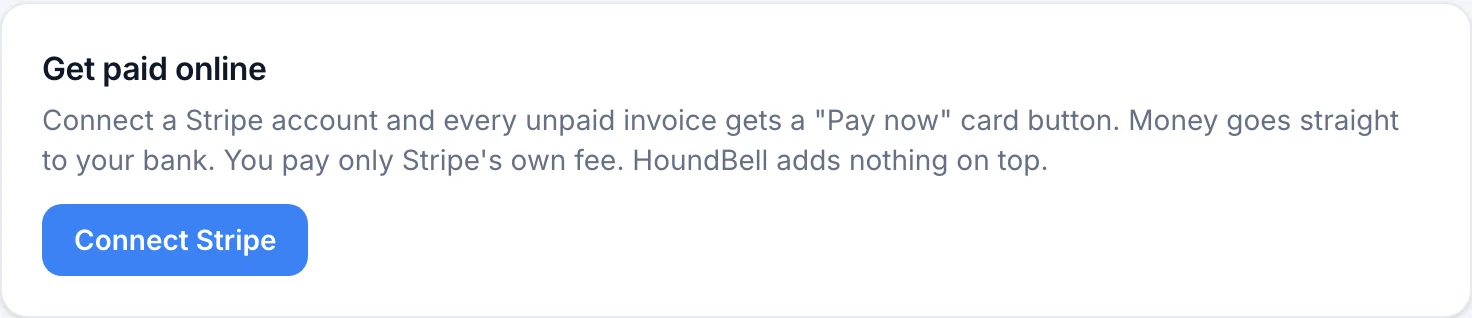
- Open Settings and find the Get paid online card.
- Click Connect Stripe.
- You will be taken to Stripe to set up your account: business details, identity, and the bank account for payouts. If you leave partway, come back and click Finish Stripe setup.
- When you return, the card shows ✓ Ready to accept card payments.
From then on, every unpaid invoice’s page shows a Pay now button automatically, and paid invoices record themselves.
Money and fees:
- Payments go directly to your own Stripe account and bank. HoundBell never holds your money.
- Stripe’s standard card fee applies (2.9% plus 30 cents per transaction in the US).
- Your first-ever payout takes about 7 days (a standard new-account hold at Stripe); after that, payouts run on Stripe’s normal schedule, typically about 2 business days.
- Refunds are issued from your Stripe dashboard at stripe.com, where you can also see every payment and payout.
Still stuck?
Email us and a person will answer. Include your workspace name, and the quote or invoice number if it is about one.
Email support@houndbell.com