
Attach files to quotes, invoices and agreements
The spec sheet, the before photo, the permit: attach them to the document they belong to and the client finds them where they pay or sign.
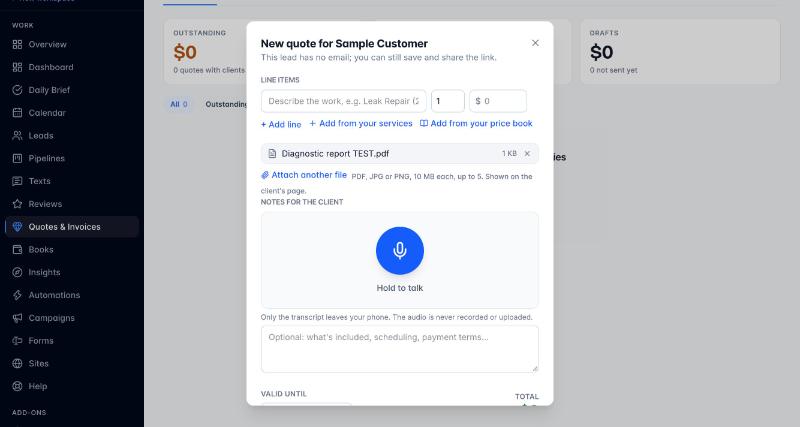
- On any quote, invoice or agreement, press Attach a file. PDF, JPG, PNG or WebP, 10 MB each, up to five per document.
- Files picked before the first save ride along and bind to the document when it saves.
- Send as usual. The email lists the file names and points at the client’s page; nothing heavy lands in their inbox.
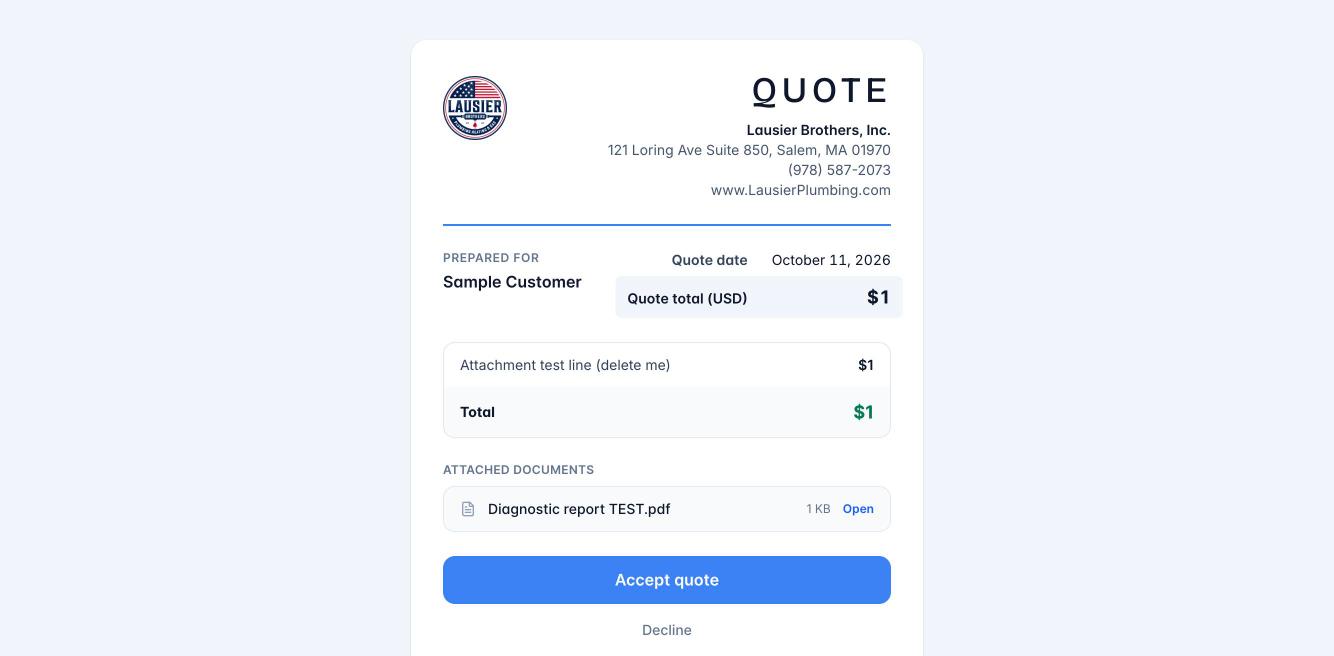
The client’s page shows Attached documents with links that stay good for a day and renew on every visit. The client card gathers every document’s files in one Documents list, and the office opens any file through a permission-checked link.
Still stuck?
Email us and a person will answer. Include your workspace name, and the quote or invoice number if it is about one.
Email support@houndbell.com