
The booking communication timeline
Every confirmed booking runs the same client-communication clock, automatically:
- Request received (instant): they submit your booking page or a calendar form and immediately get “we received your booking request for [date and time]” with their message quoted back.
- Confirmed (when you approve): “You’re booked!” with add-to-calendar buttons.
- One hour before: a reminder email to the client, and a reminder email plus phone push to you and anyone assigned to the job, a person or a whole crew.
- Fifteen minutes before: a “See you in about 15 minutes, we’re looking forward to it!” email to the client, and a final heads-up to you and the assigned staff.
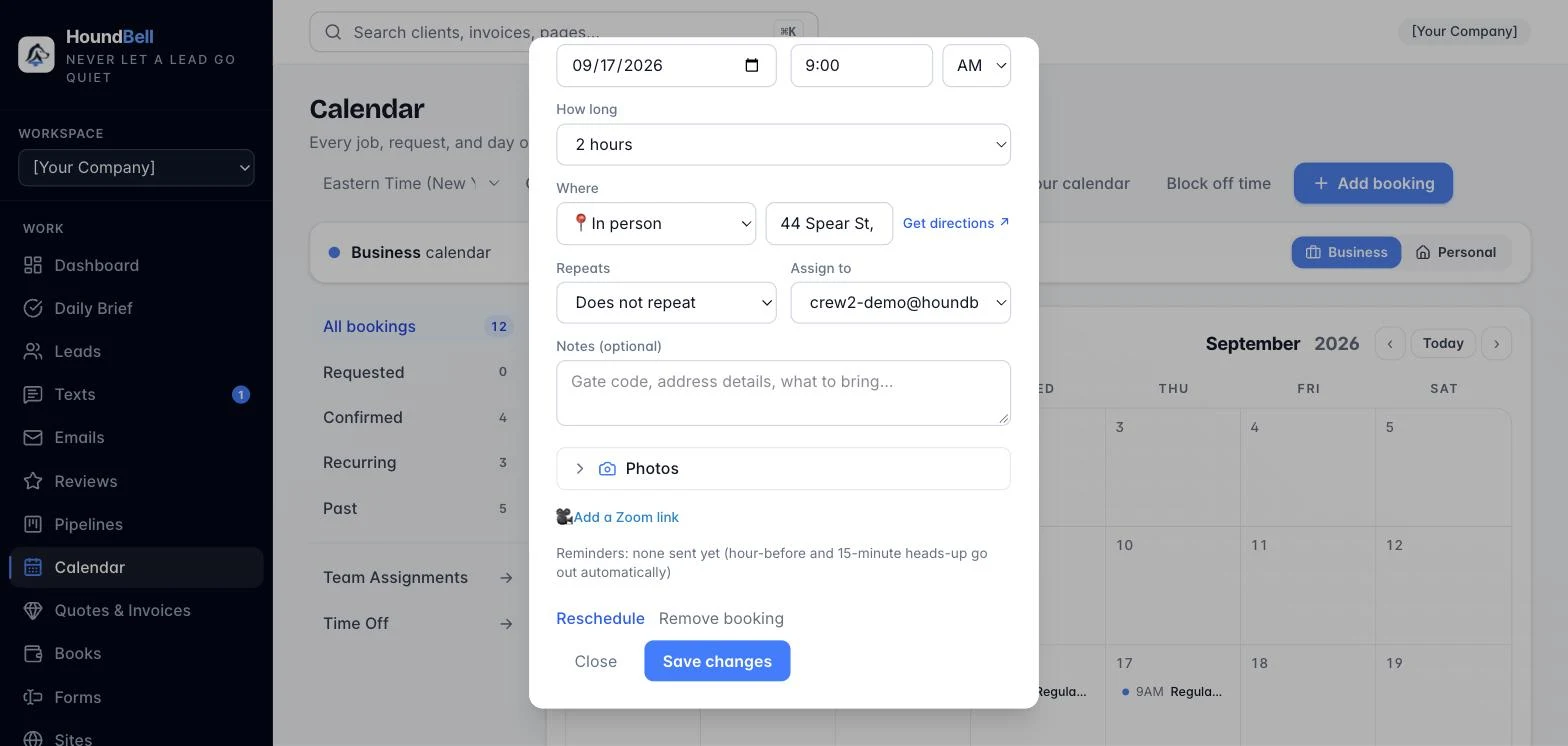
Open any confirmed booking on the calendar to see its Last reminder sent line, your receipt that the client was reminded. Bookings you decline or cancel never get reminders, and bookings without a set time are skipped.
Still stuck?
Email us and a person will answer. Include your workspace name, and the quote or invoice number if it is about one.
Email support@houndbell.com