
Checklists for the crew
A checklist is a list of what gets done on a job, one line per item, that the crew ticks off on their phone as they go.
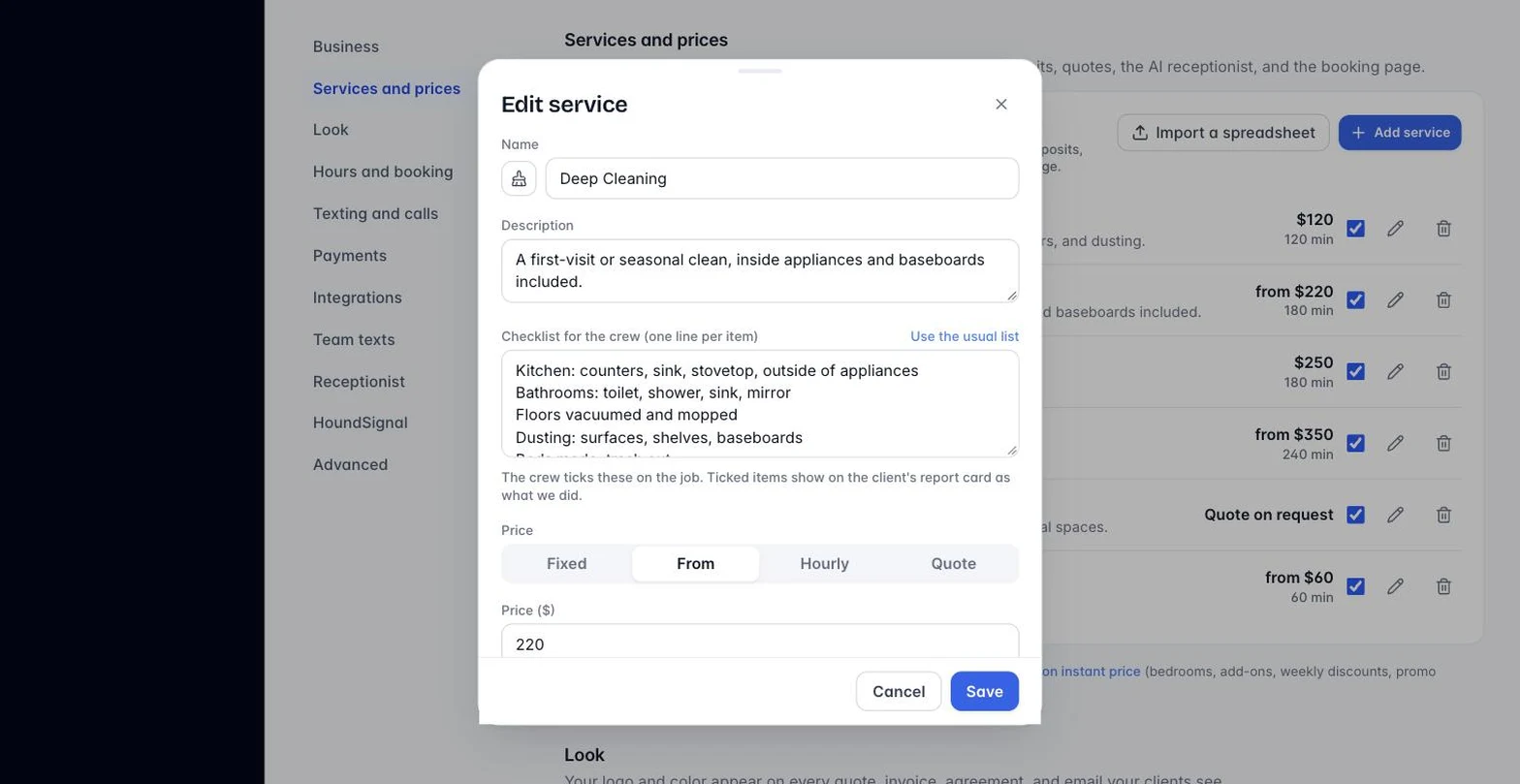
- Go to Settings, Services and prices, and open a service.
- In “Checklist for the crew”, type one item per line, or press “Use the usual list” to fill in the standard list for your trade. Save.
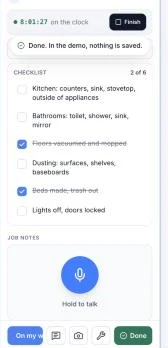
- On the job, the crew sees the list under the clock on their pass. Each tap ticks an item, and the heading counts, like “3 of 6”.
- Ticked items show on the client’s report card under “What we did”, above the crew’s notes.
Nothing here is required. A service with no list shows nothing. Marking a job done still only needs a job note and hours. The report card only goes out when you or the crew press Send. New businesses get the usual list on every service to start; clear the box to remove it.
Still stuck?
Email us and a person will answer. Include your workspace name, and the quote or invoice number if it is about one.
Email support@houndbell.com