
Your booking link, no website needed
Every workspace comes with a public booking page at app.houndbell.com/book/your-name. Anyone who opens it sees your logo, your accent color, a calendar showing only your real availability, and a request form. It works with your WordPress site, alongside it, or with no website at all.
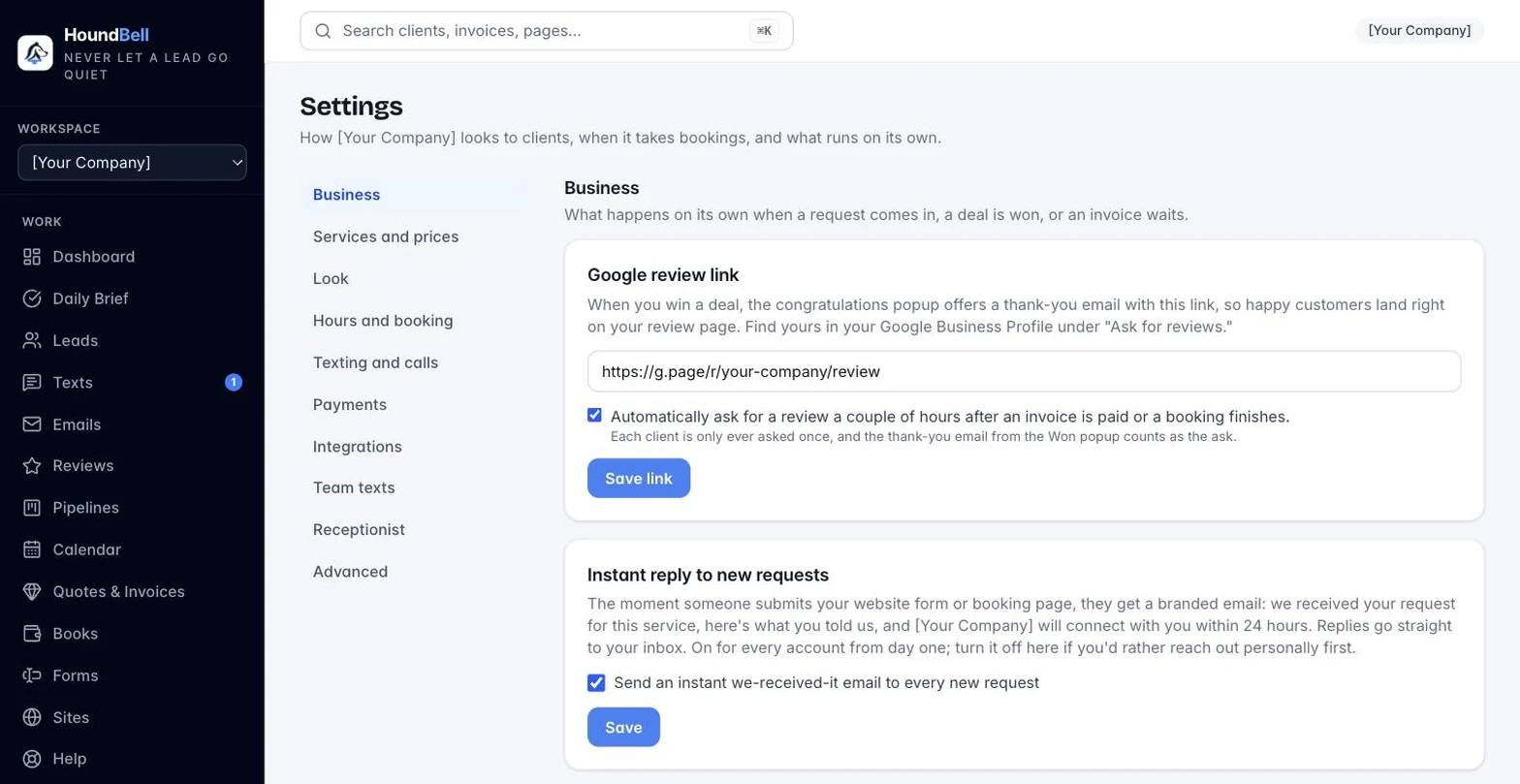
Set it up
- Open Settings and find Your booking page.
- Pick your link name (short and recognizable), list the services visitors can choose from, decide whether the phone number is required, and write a welcome line.
- Press Save booking page, then Copy link. Preview opens the live page.
Where to put the link
Anywhere a customer might find you: your Instagram bio, your Google Business Profile, your email signature, a text message, or a QR code on the truck. The page uses your logo and accent color and respects your booking hours and blocked-off dates automatically.
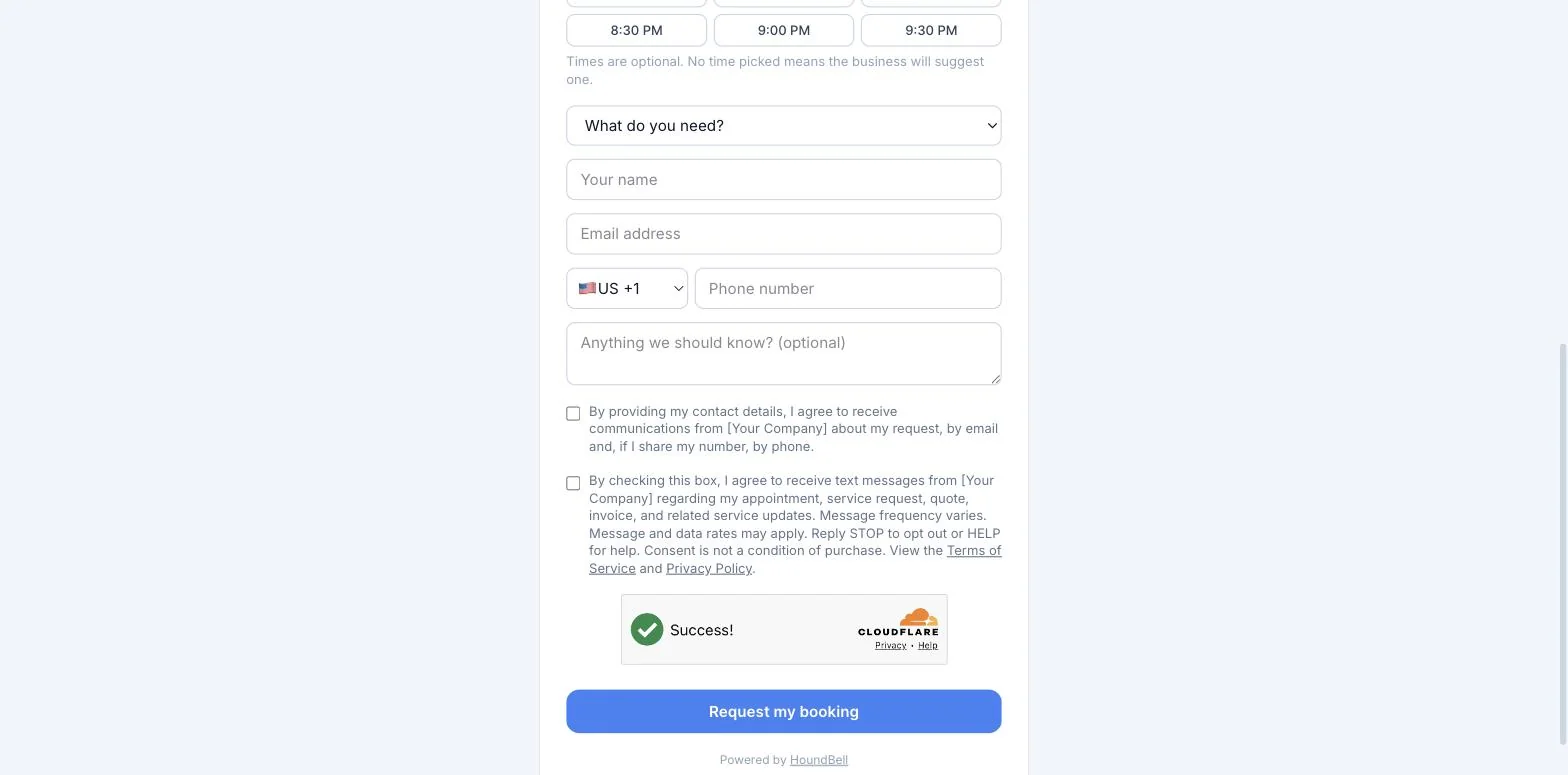
What happens when someone books
The visitor picks a day (and optionally a time within your business hours), chooses a service, and sends the request. It lands in the Requested list on your Calendar and the person lands on your Leads page, exactly like a website form submission. You confirm it and both sides get the confirmation email. Taken slots grey out on the page automatically, buffer included, so double-booking stays impossible.
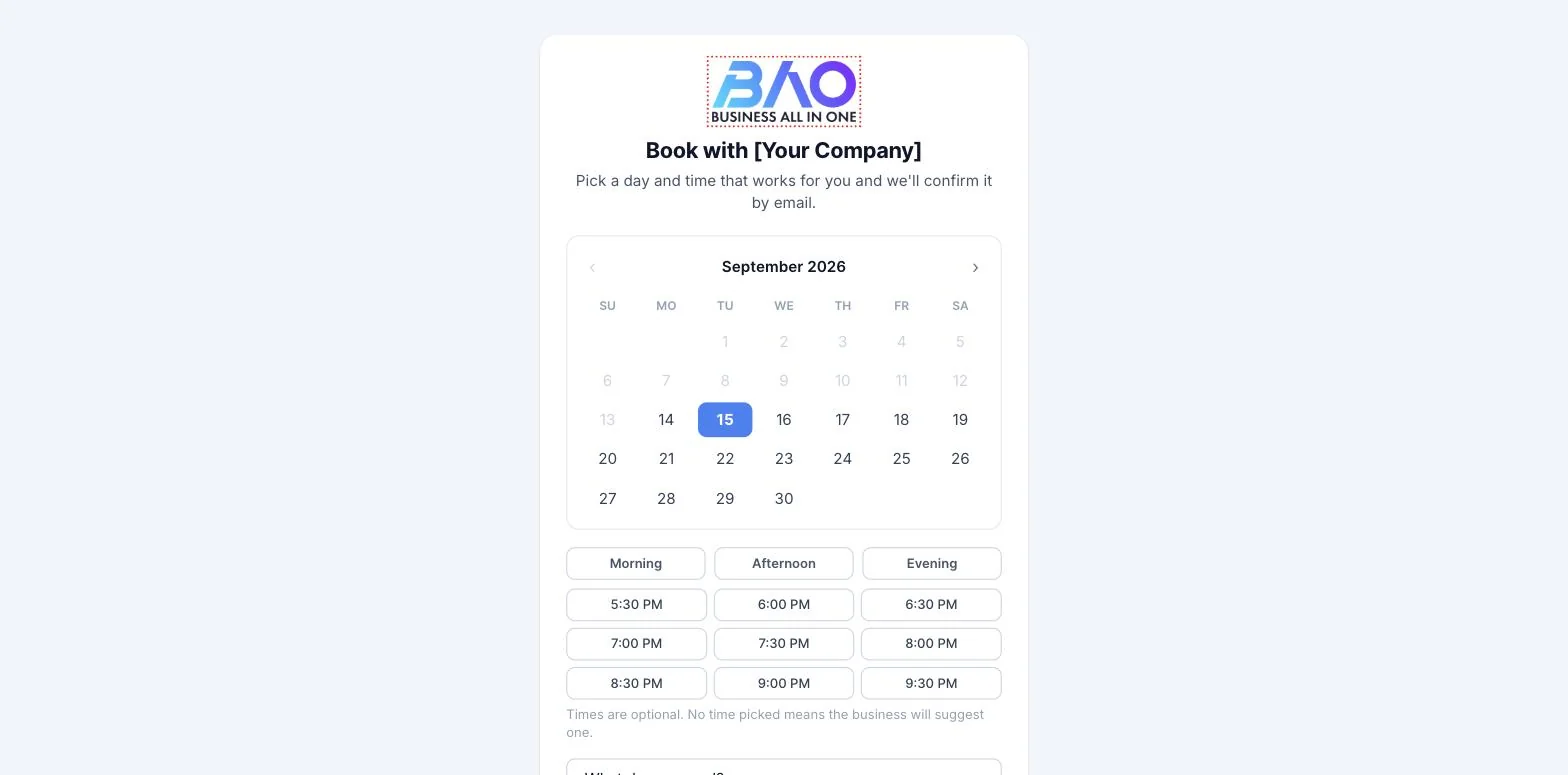
The consent checkbox on the form collects permission to contact the requester by email, and by phone or text if they share a number, so your records are clean from the first hello.
Your booking pass. The page is built around a ticket: as the client picks a service, a time and how often, a sticky “Your booking pass” card fills itself in with the details and the price in plain words, with one Request my booking button and a note on what is still missing. On a phone the pass is a bar along the bottom. After sending, the client sees their pass with “What happens next” in three lines.
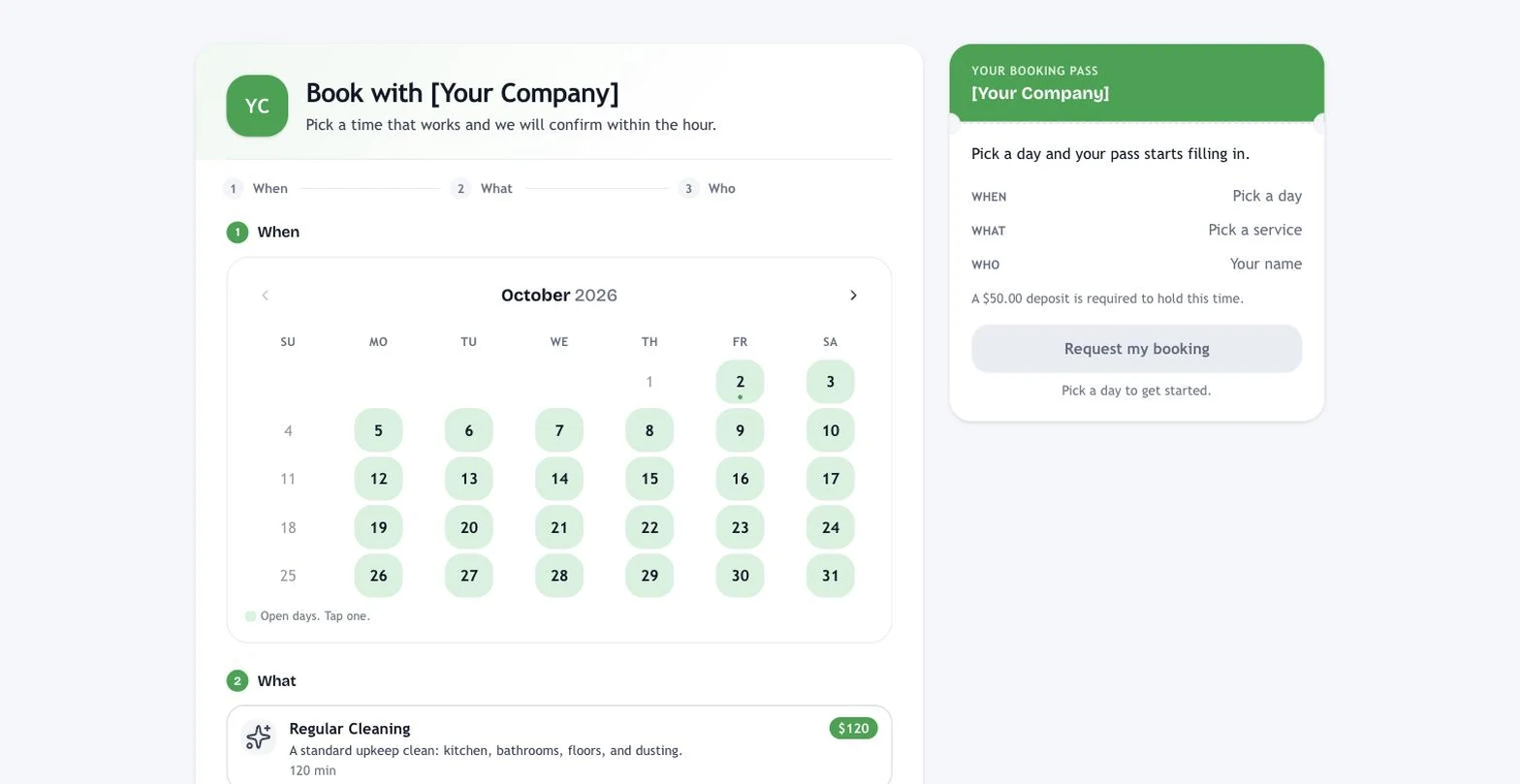
A proof line, stamped, never typed. The page can carry a small trust line under your business name, like “Answered in 2 minutes” or “4 jobs done in the last 30 days”, computed from what actually happened in your workspace. Nothing is written by hand, and when the numbers are not there, the line simply stays off.
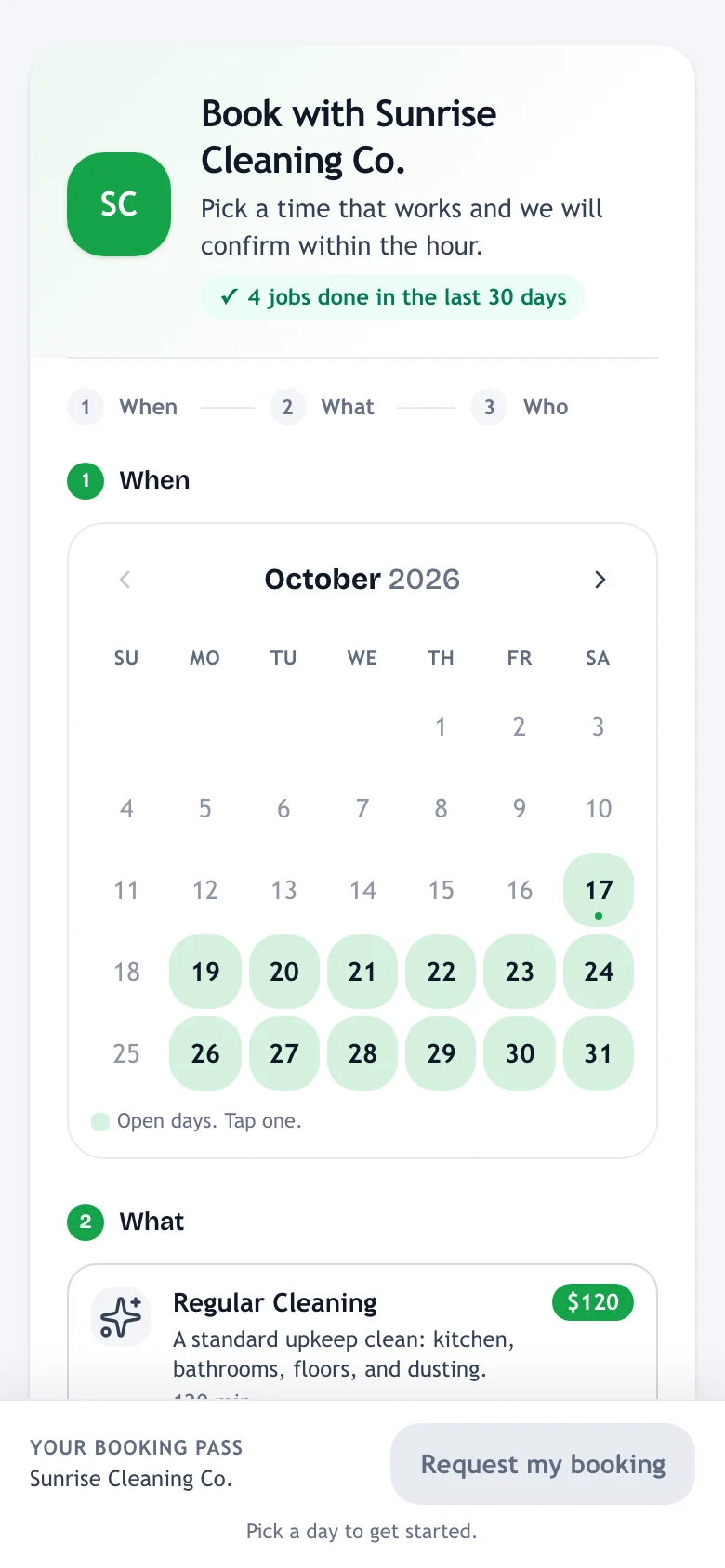
Make it look like your business. Under “Your booking page” in Settings there is a Look block. Open it and tap one of the six themes (Clean blue, Fresh green, Trusty navy, Warm home, Bold dark, Soft and rounded). That sets the colors, the corners and the font in one tap. Below that you can change the accent color, pick a white, tinted or dark card, choose how round the corners are, pick a font, and type your own headline (it says “Book with [your business]” unless you change it). Press Save look, then Open your booking page to see it. If you never open Look, the page keeps using your brand color. The Services look choice in the same block picks how your services show: List (one per row, the default), Cards, Tiles or Grid, and on a phone cards stack while tiles and grid sit two across.
Still stuck?
Email us and a person will answer. Include your workspace name, and the quote or invoice number if it is about one.
Email support@houndbell.com